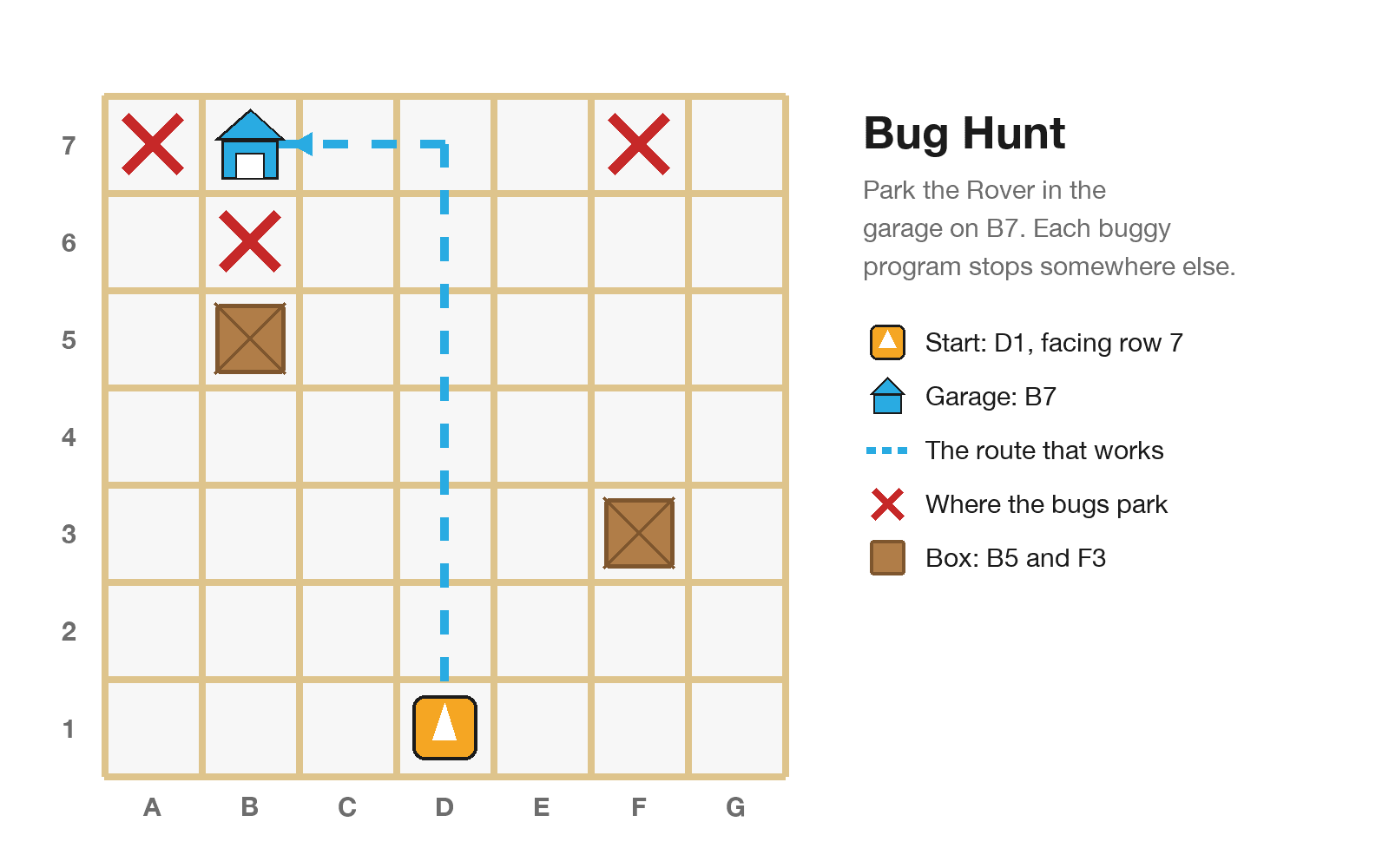
The teacher wrote three programs to park the Rover in the garage on B7. Every one has a bug. Students act each one out, predict where it will really stop, run it, then find and fix the bug.
At a Glance
- Year levels: Years 1–3
- Time: Two 25-minute sessions
- Blocks: Forward, Turn Left, Turn Right
- You need: Tape grid with two boxes, a "garage" on B7 (a box or paper sign), the three buggy programs as block cards in envelopes (Bug 1, 2, 3) plus spares, 1 Rover + 1 iPad per group of 3
I Can…
- predict where the Rover will really stop
- point to the card where the bug is
- say what kind of bug it is: missing, extra or wrong
- fix the bug and test again
Curriculum (Digital Technologies F–2 and 3–4): checking whether algorithms work, then testing and fixing them. Also English (explaining: "The bug is… because…").
The Tape Grid

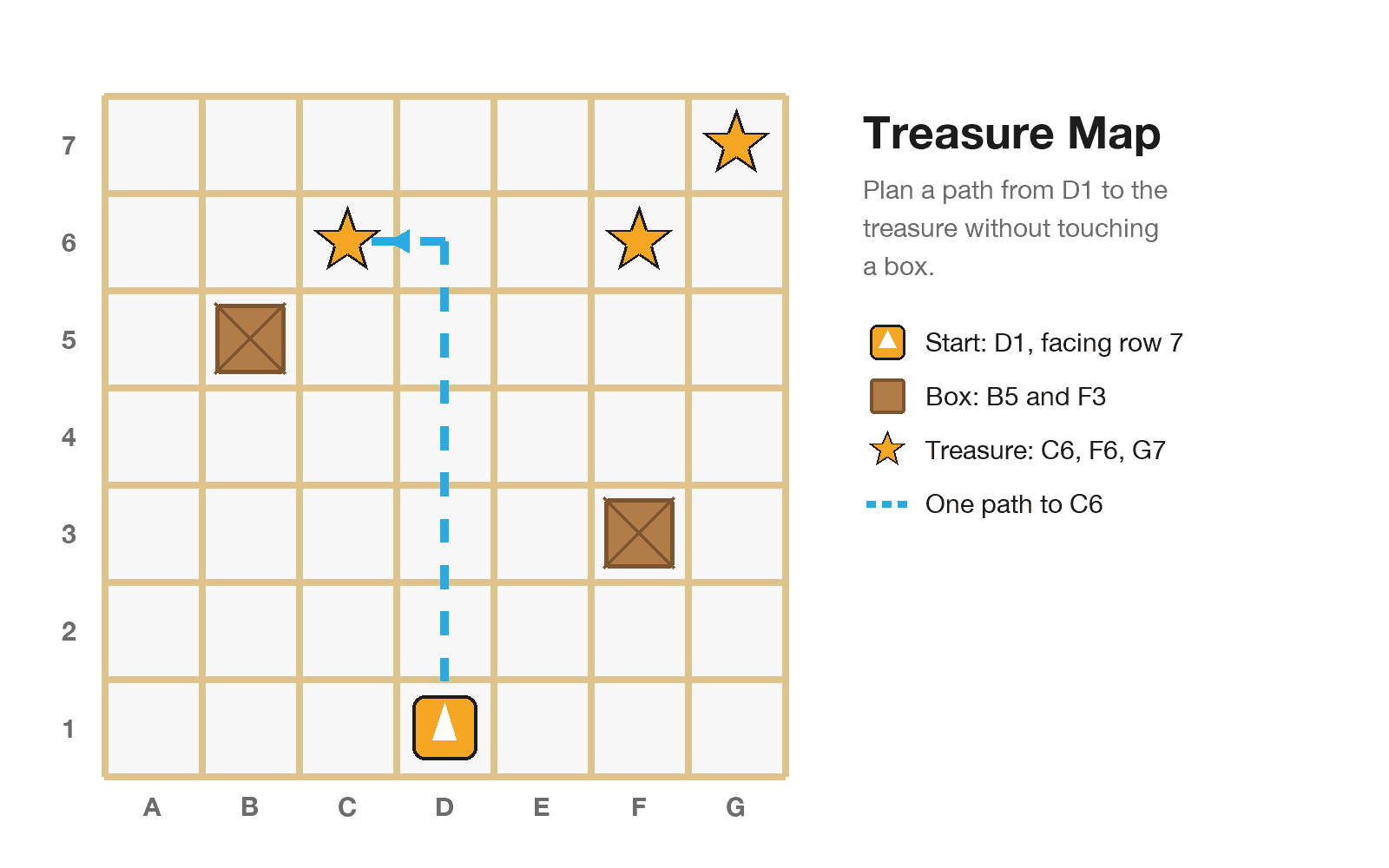
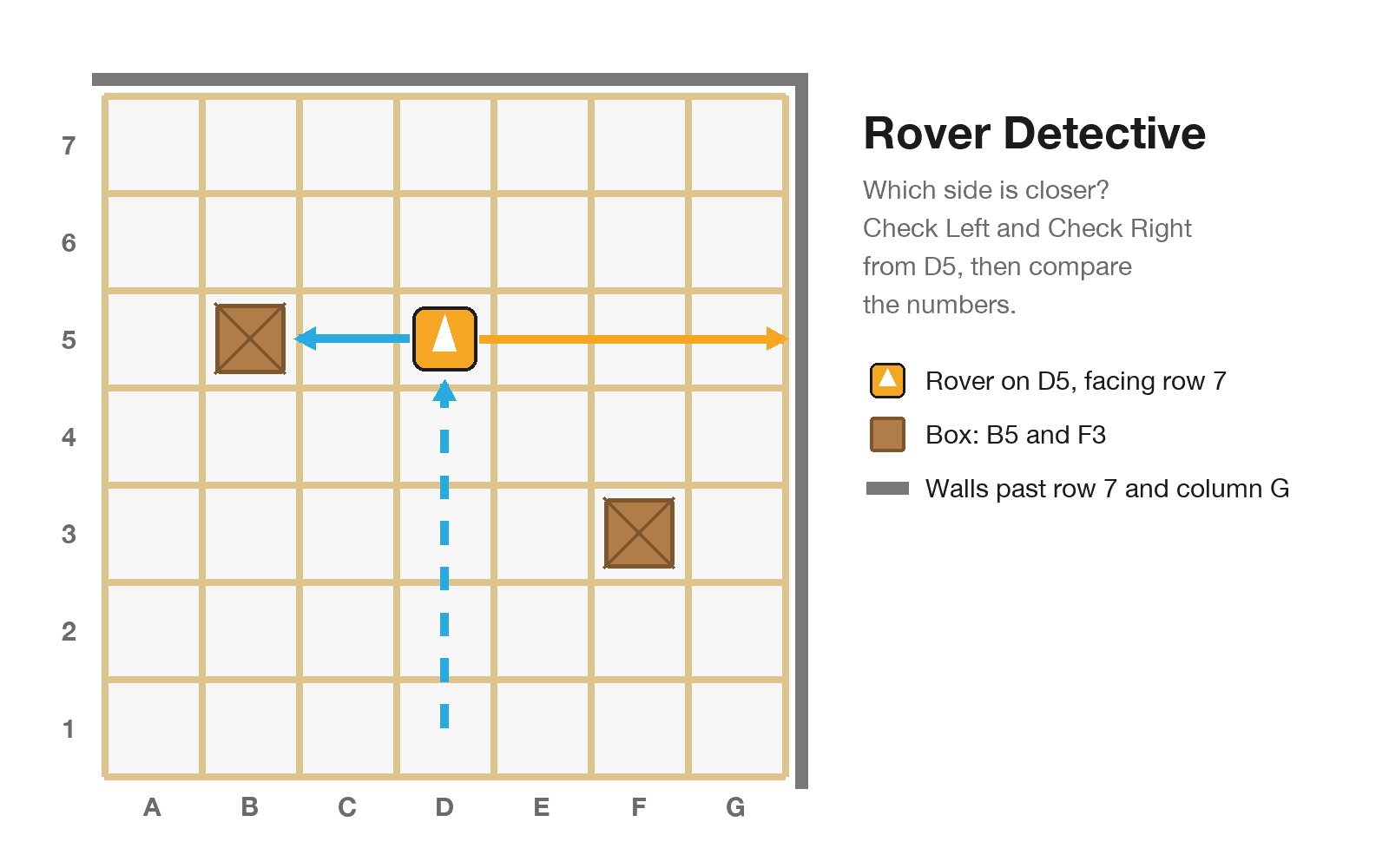
The Junior tape grid: 7 × 7 squares, start on D1, boxes on B5 and F3
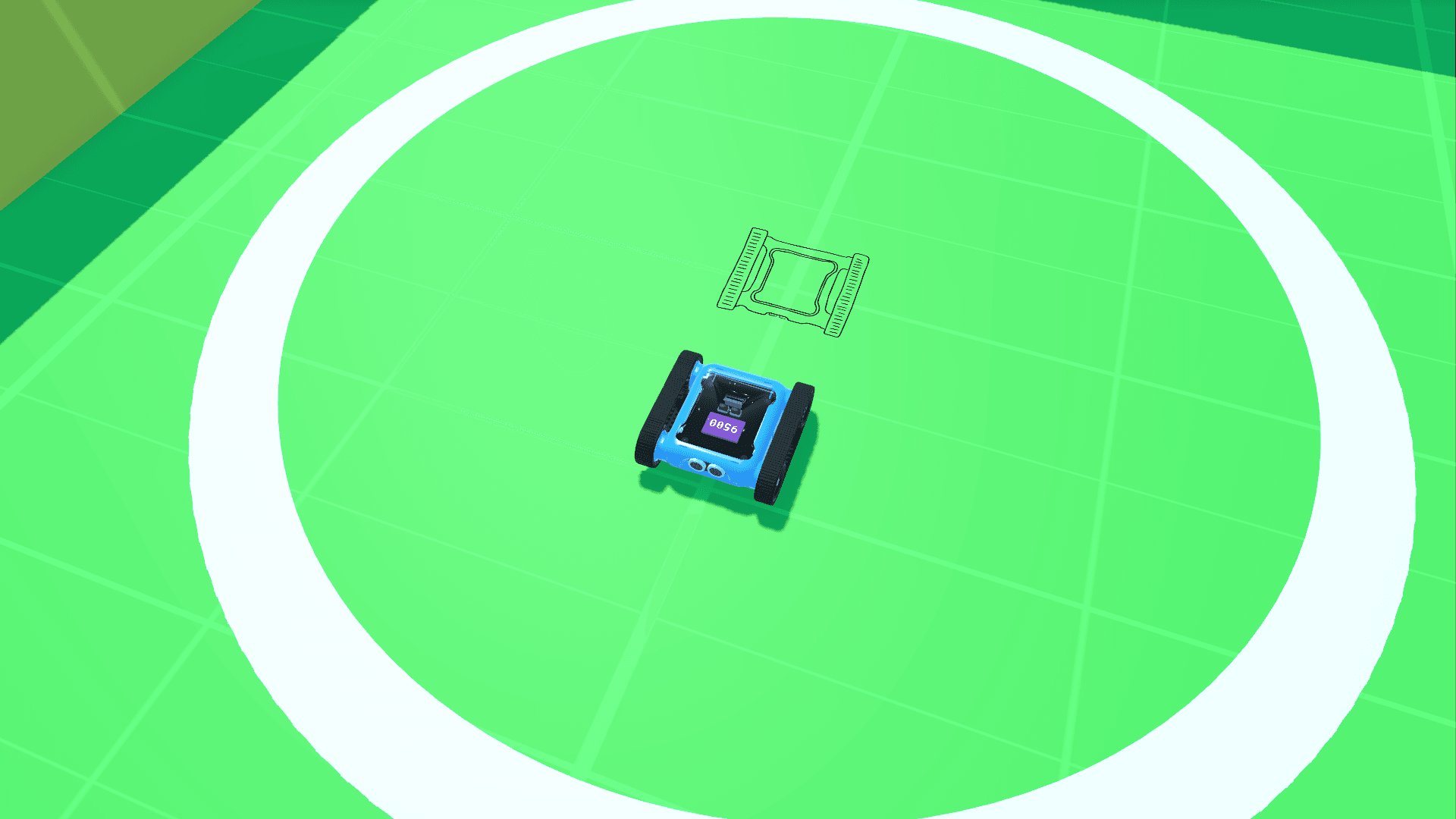
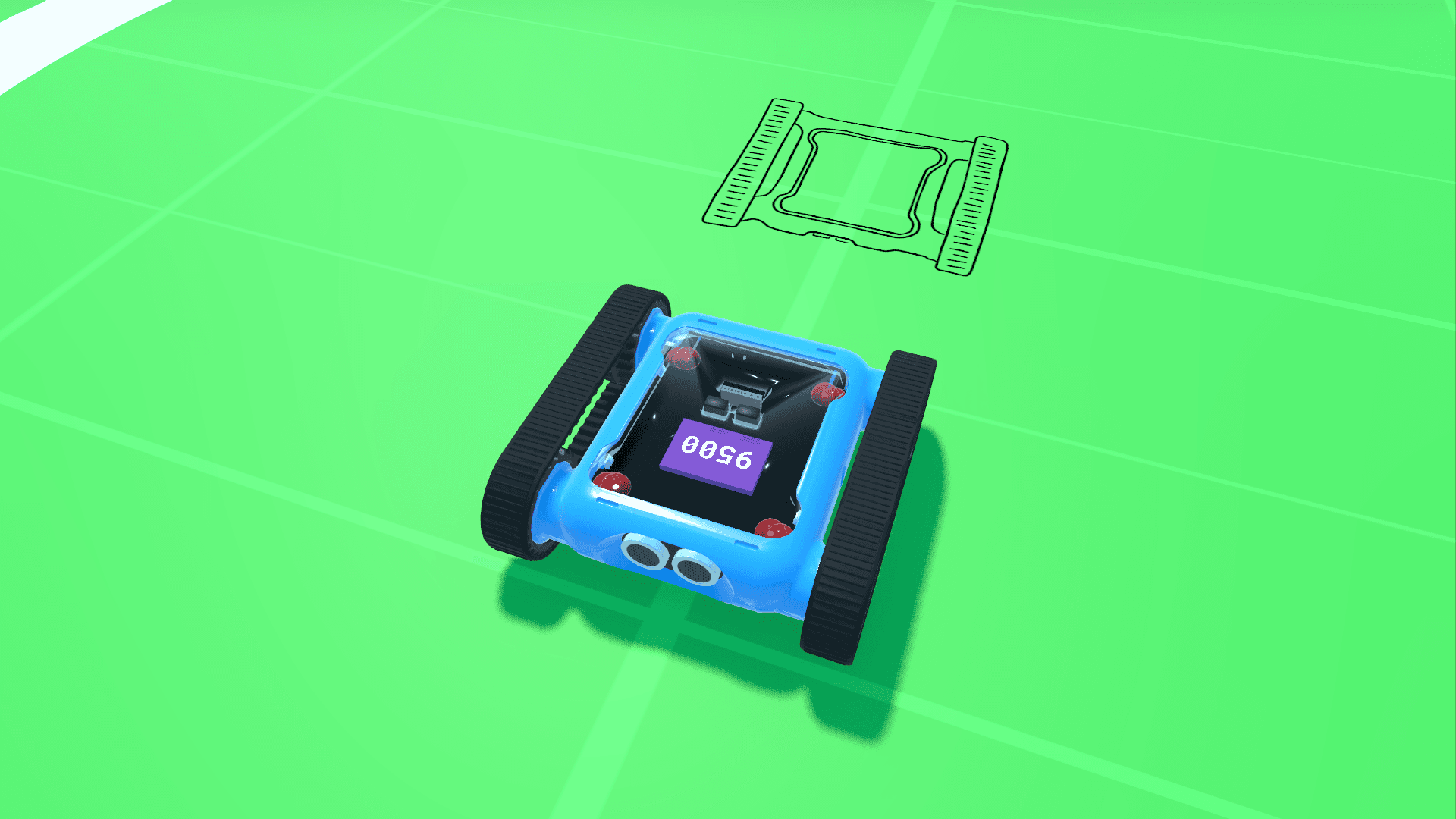
- Run one Forward and mark how far the Rover goes. That is your square size.
- Tape a 7 × 7 grid: columns A–G across, rows 1–7 going away from you.
- Start on D1, facing row 7. Boxes on B5 and F3. Garage on B7.
The program that works (keep it to yourself): Forward ×6, Turn Left, Forward ×2.
Be the Rover First

Be the Rover: Forward is one step forward, Reverse is one step back, Turn Left and Turn Right are a quarter turn on the spot
- Teacher models a bug. A student walks Forward, Forward, Turn Right. Say: "Hmm, I wanted to go left. Which card is the bug?"
- Pairs. The Programmer reads Bug 1, one card at a time. The Rover walks it, saying each square.
- Stop where the cards stop. In the garage? If not, where? Swap for Bugs 2 and 3.
Movement break: "Bug or not a bug?" Read short programs. Stand tall for "it works", crouch for "bug".
Predict → Run → Check
- Predict: "It should park on B7, but I think it will stop on…"
- Run: build the buggy program exactly as written. Rover on D1 facing row 7. Press Play.
- Check: where did it stop? Walk the cards, stopping after each one: "Is this where it should be?" The first "no" is the bug.
Groups of 3: Programmer (iPad), Tester (Rover), Reporter ("The bug is… because…"). Swap for each bug.
Steps
Bug 1: The Missing Block

Bug 1: Forward five times, Turn Left, Forward twice. One Forward is missing, so the Rover turns at D6 and stops on B6 instead of the garage on B7
Fix: add one more Forward before the Turn Left (six in total).
Bug 2: The Extra Block

Bug 2: Forward six times, Turn Left, Forward three times. The extra Forward drives through the garage and stops on A7
Fix: take away one Forward at the end (two in total).
Bug 3: The Wrong Turn

Bug 3: Forward six times, Turn Right, Forward twice. The wrong turn sends the Rover to F7 instead of B7
Fix: change Turn Right to Turn Left.
4. Write a Bug for a Friend
Write a working program to the garage, then secretly add one bug (missing, extra or wrong). Swap with another group to find and fix.
Make It Easier or Harder
- Easier: Forward ×3, Turn Right, Forward should reach C4 but stops on E4. What kind of bug?
- Harder: a program with two bugs in it.
Extensions
- Crate crash: Turn Left, Forward ×2, Turn Right, Forward ×6 heads up the B column into the box on B5. The blocks are fine; the plan is wrong. How would you go around?
- Bug log: a class chart of every bug found, sorted into missing, extra and wrong.
Teacher Tips
- Bugs 1 and 2 in session one; Bug 3 and "write a bug" in session two.
- Don't hand out the working program. Let students discover the fix.
- "Bugs are how we learn. Every programmer finds bugs!"
Reflection
- Thumbs up, sideways or down: "I can find the card where a program goes wrong."
- Draw one bug: where the Rover should have gone, and where it went.