Micromelon Robotics
Platform
Resources
NewsAbout UsDownload
Support
Build Your Kit

Stay in the loop

New activities, teaching guides, and product updates delivered to your inbox.

Micromelon Robotics

Australian-made educational robotics for the next generation of innovators.

contact@micromelon.com.au

Company

  • About Us
  • RoboRAVE Archive
  • Privacy Policy
  • Terms and Conditions

Products

  • Micromelon Rover
  • Code Editor
  • Robot Simulator
  • Junior
  • Python Library

Support

  • Resources
  • News
  • Rover Repairs
  • Contact
  • Build Your Kit

© 2026 Micromelon Robotics Pty Ltd. All rights reserved.

ABN 56 623 302 296

Junior · iPad & Android

Curious Minds,
Real Robots

A gentle introduction to robotics for early primary students. Tap a few blocks, watch a real Micromelon Rover come to life, and let curiosity lead the way.
Download
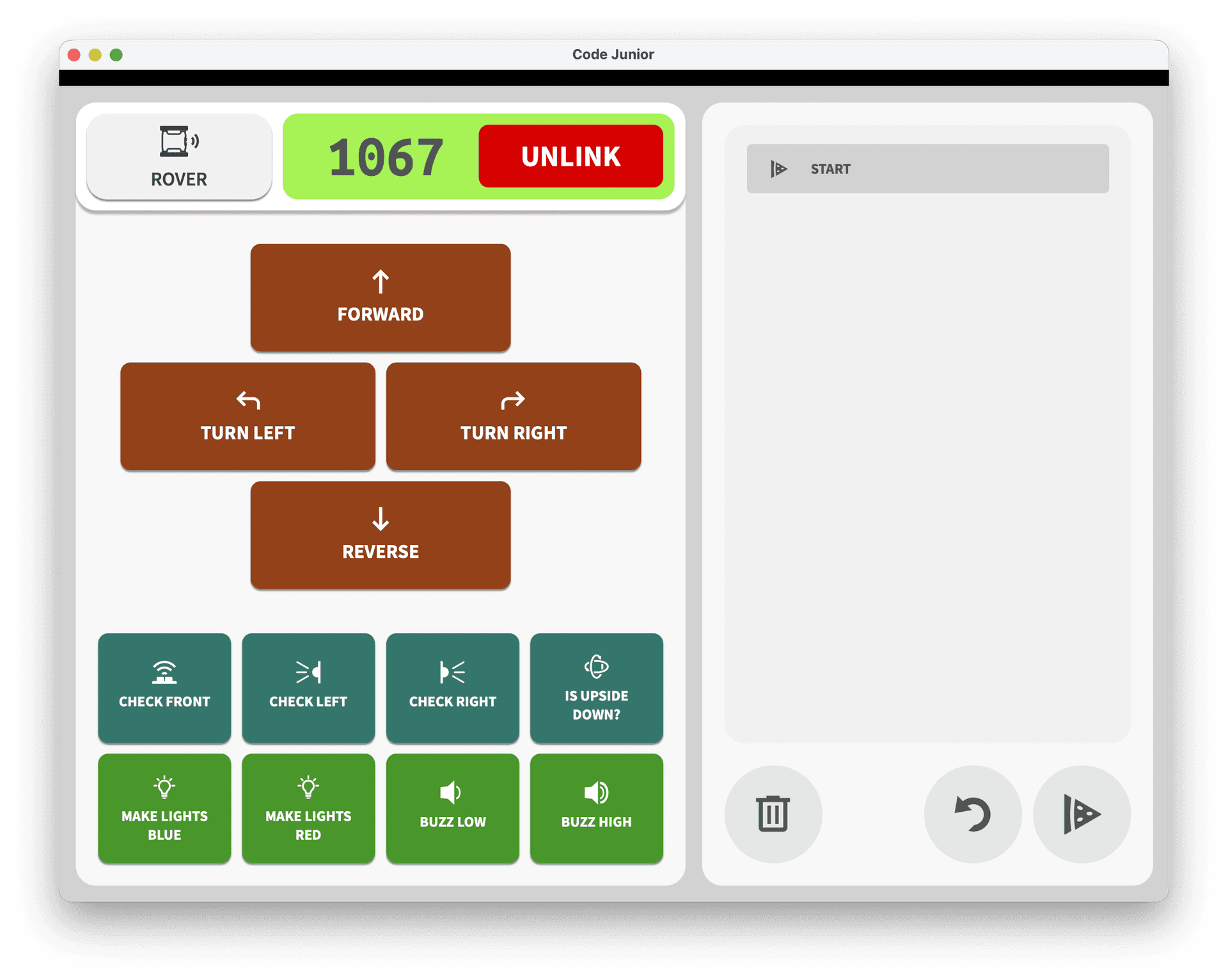
Micromelon Junior app interface showing block-based coding
Built for younger learners

Sequencing, Predicting and Debugging

Junior is designed for lessons on the first ideas of computational thinking: putting steps in order, predicting what will happen, and finding the bug when it doesn't. No complexity of a full coding environment.

Simplified Interface

A pared-back design so students can focus on learning concepts rather than navigating menus.

Tablet-First

Available on iPad and Android. Perfect for schools using tablets in the classroom.

Block-Based Coding

Tap big picture blocks to build a program, then press Play and watch each step light up as the Rover does it. No typing or reading-heavy menus.

Works with the Rover

Connect to a real Micromelon Rover and see programs come to life, the same rover students will use as they progress.

See it in action

Two Views, Endless Discovery

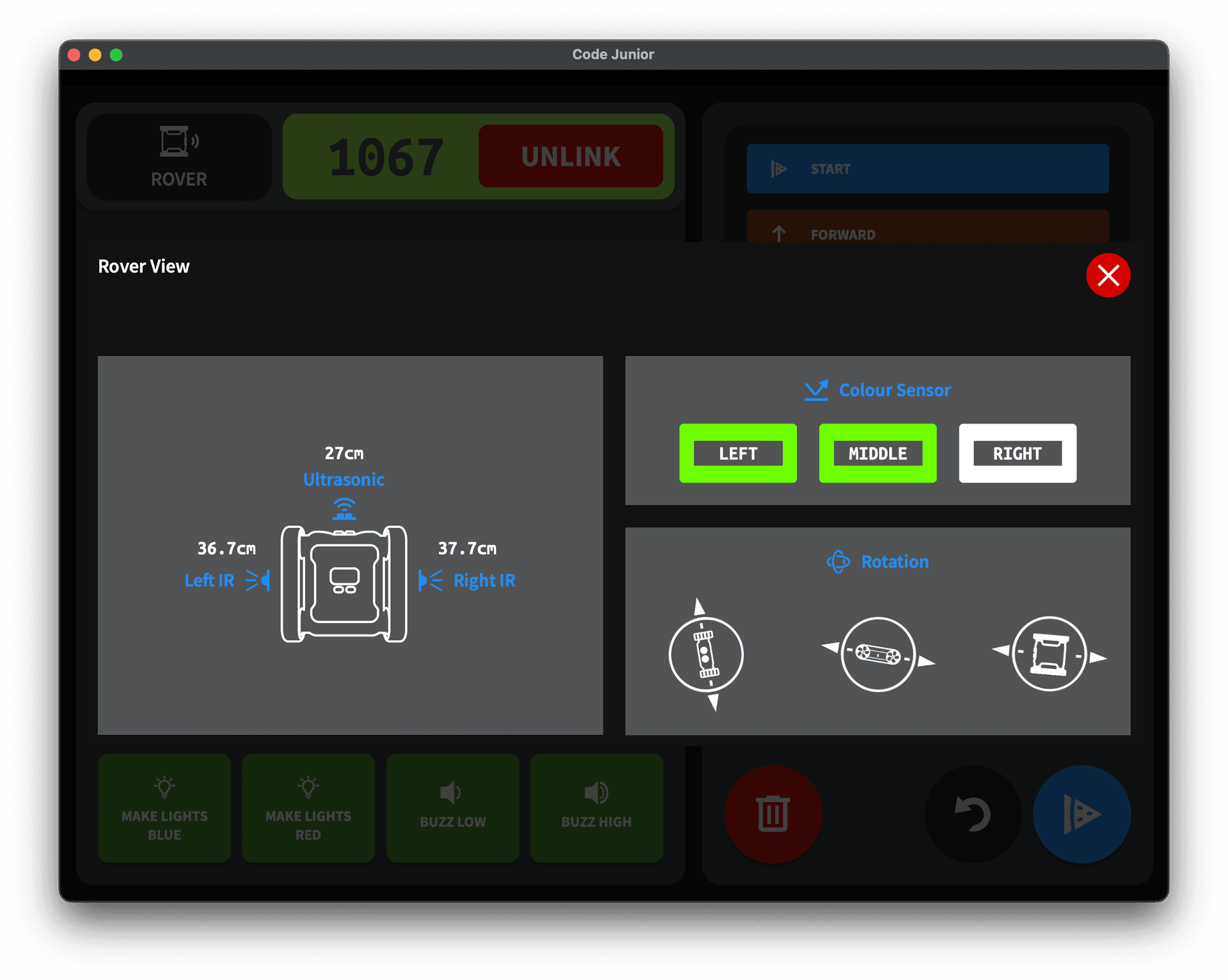
A clean block-based interface for building programs, and a live Rover View showing real-time sensor data.
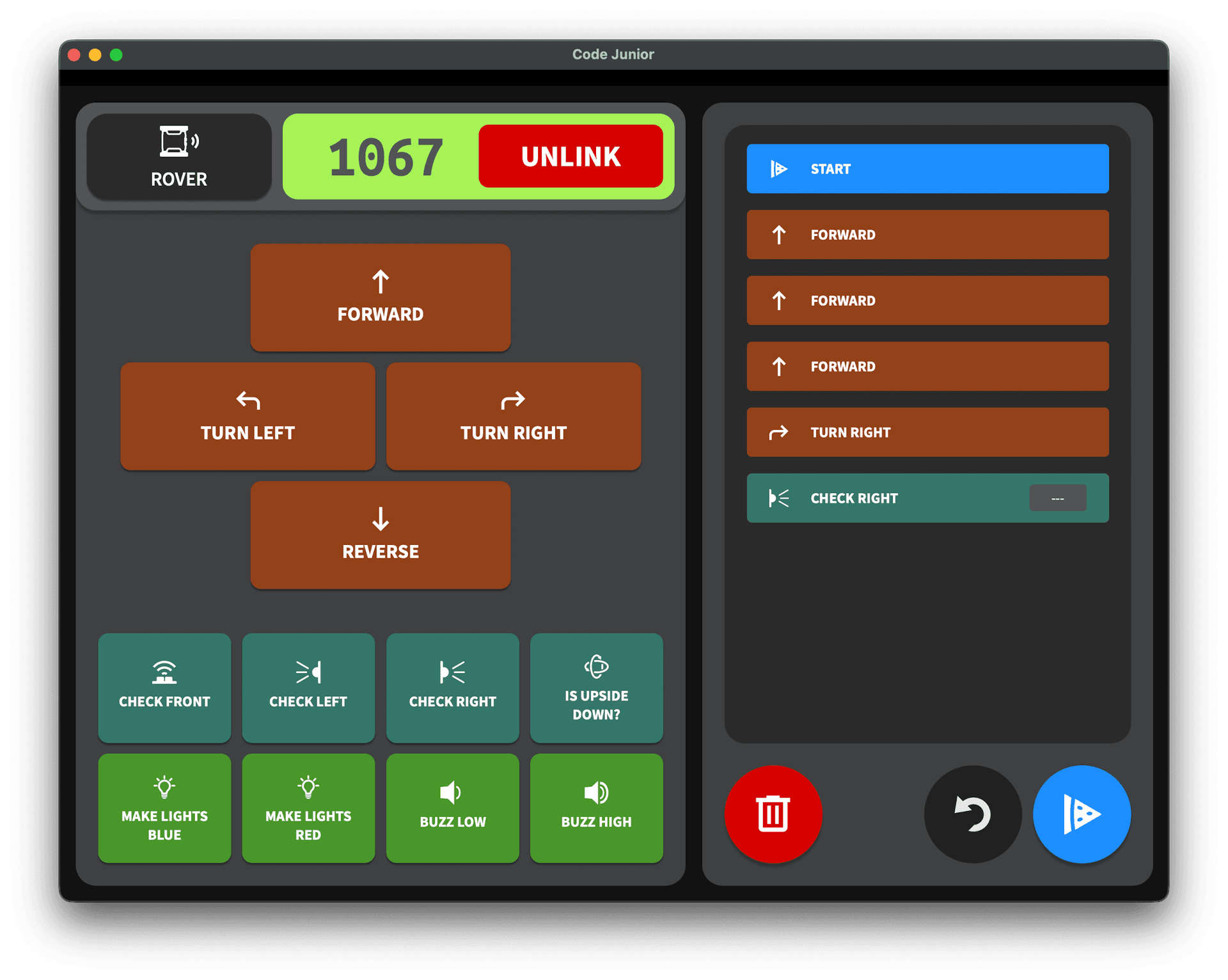
Micromelon Junior block programming interface with movement and sensor blocks

Tap blocks to build a program

Micromelon Junior Rover View showing ultrasonic, IR, and colour sensor readings

Live sensor data from the connected rover

From Blocks to Python

Junior is the starting point. When students are ready, they move to the full Code Editor with blocks, mixed mode, and Python, all using the same Micromelon Rover.

Step 1

Junior

Simplified blocks

→

Step 2

Code Editor

Blocks, mixed & Python

→

Step 3

Python

VS Code & beyond

Ready to Start?

Try Micromelon Junior on your classroom tablets, or explore the full platform.

Download JuniorSee the Platform

Tech Specs

A simple, focused app that runs on the tablets your classroom already has.

Block Categories

Movement
Forward and reverse one step, turn left or right a quarter turn
Sensors
Check front, left and right distances, and whether the Rover is upside down
Lights
Make the Rover's lights red or blue
Sound
A high or a low buzz

Platforms

iPad
iPadOS 15 or later
Android Tablet
Android 8 or later

Connectivity

Bluetooth 4.0 LE
Wireless connection to a Micromelon Rover
Quick Pair
Find and connect rovers with one tap

For the Classroom

Tablet-First
Designed from the ground up for touch input
Offline Capable
Works without an internet connection
Live Rover View
Real-time sensor readings on screen
Same Hardware
Connects to the same rover used in Code Editor

Junior Activities

Ready-to-run lessons for Foundation to Year 3: be the Rover, plan with block cards, predict, run and debug.
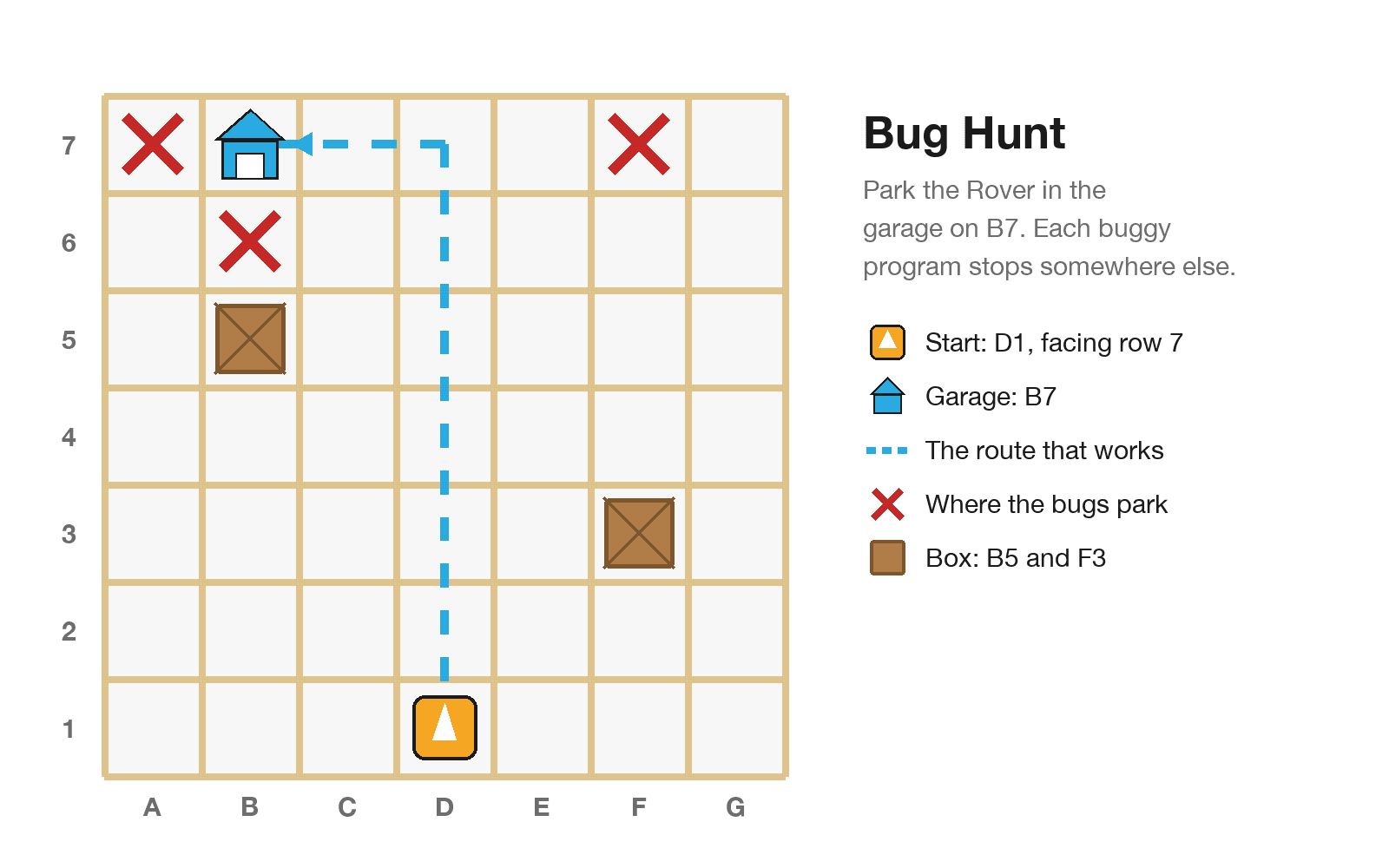
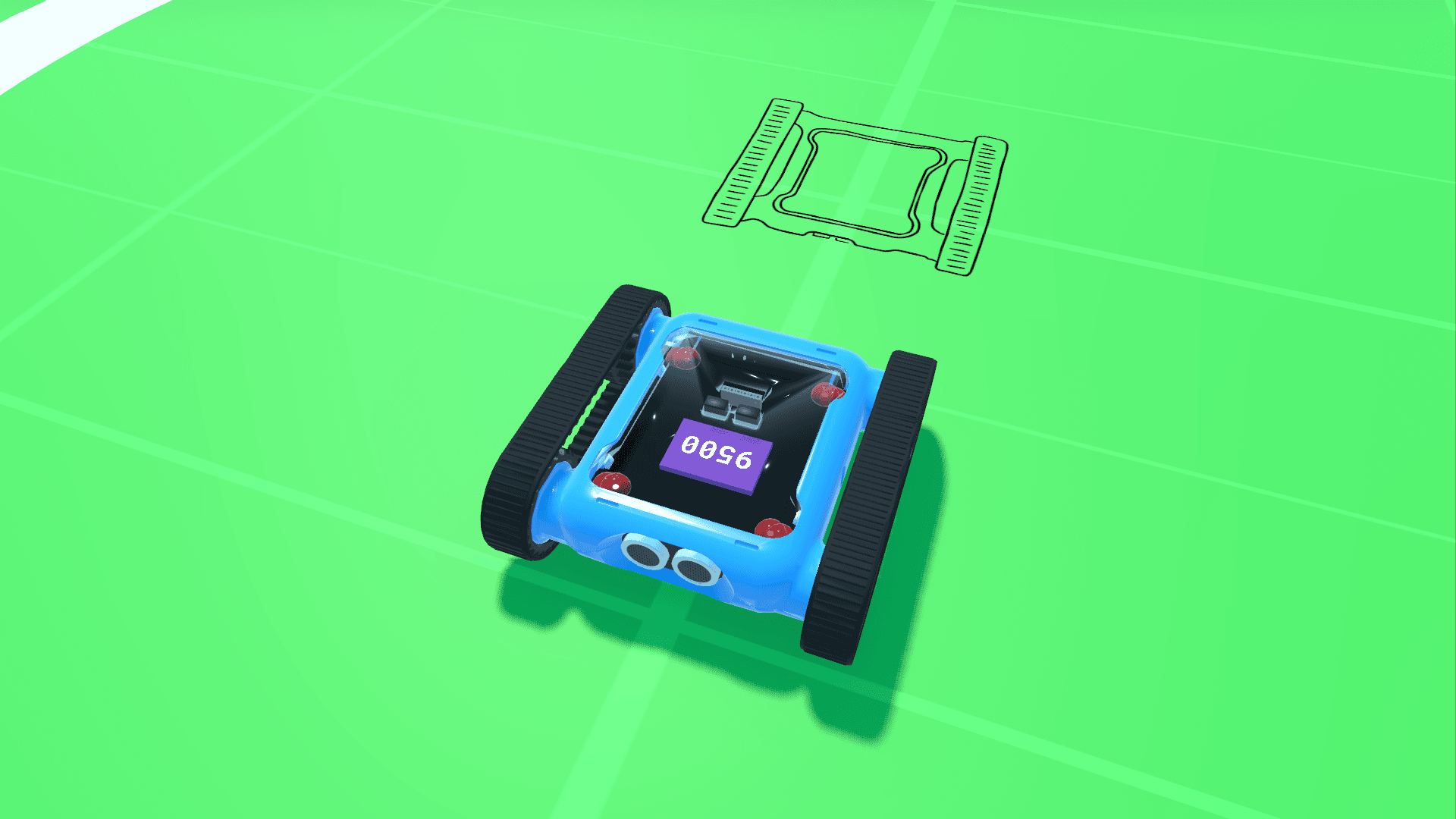
Bug Hunt

Bug Hunt

Emergency Rover

Emergency Rover

Square Walk

Square Walk

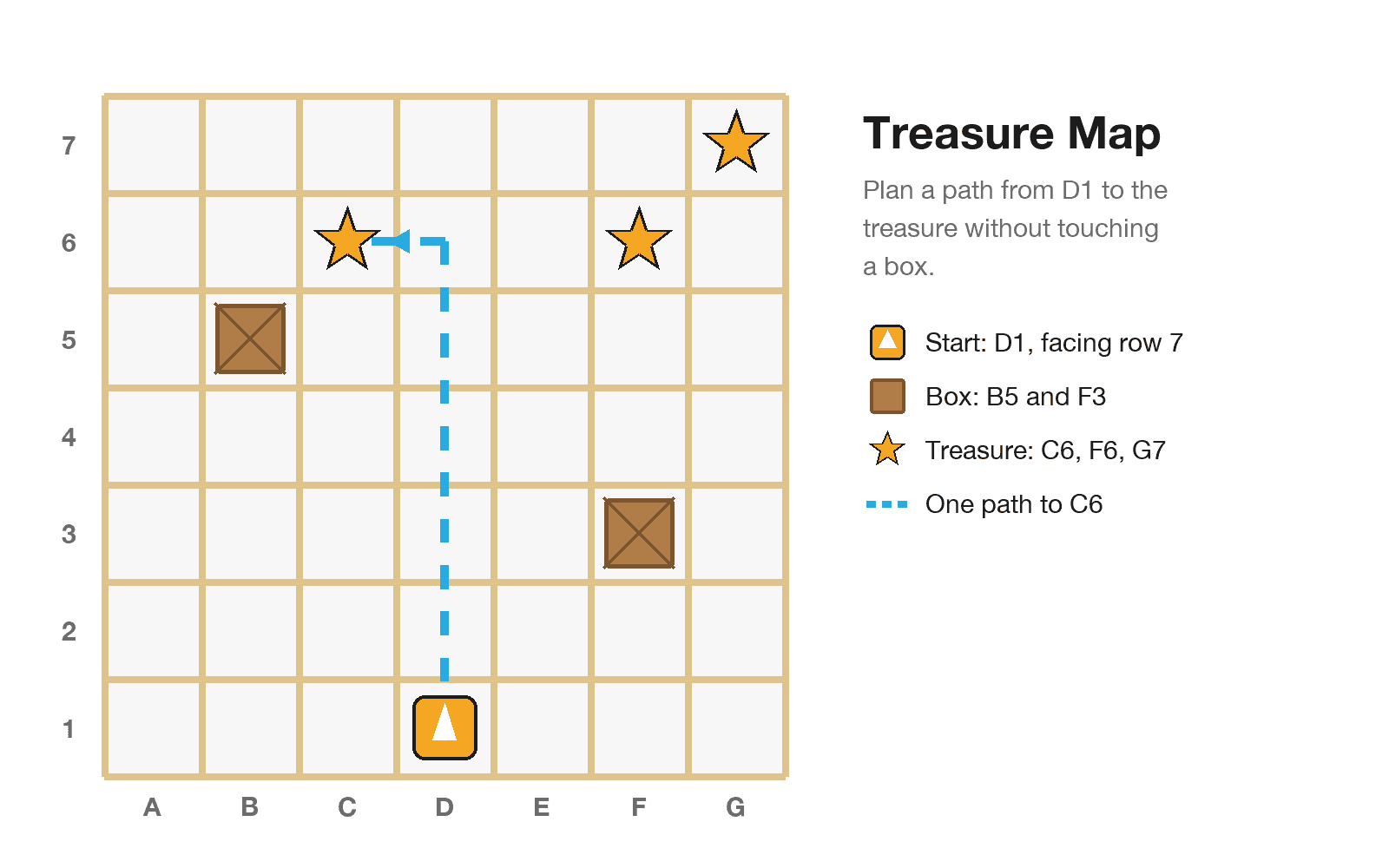
Treasure Map

Treasure Map

Rover Dance Party

Rover Dance Party

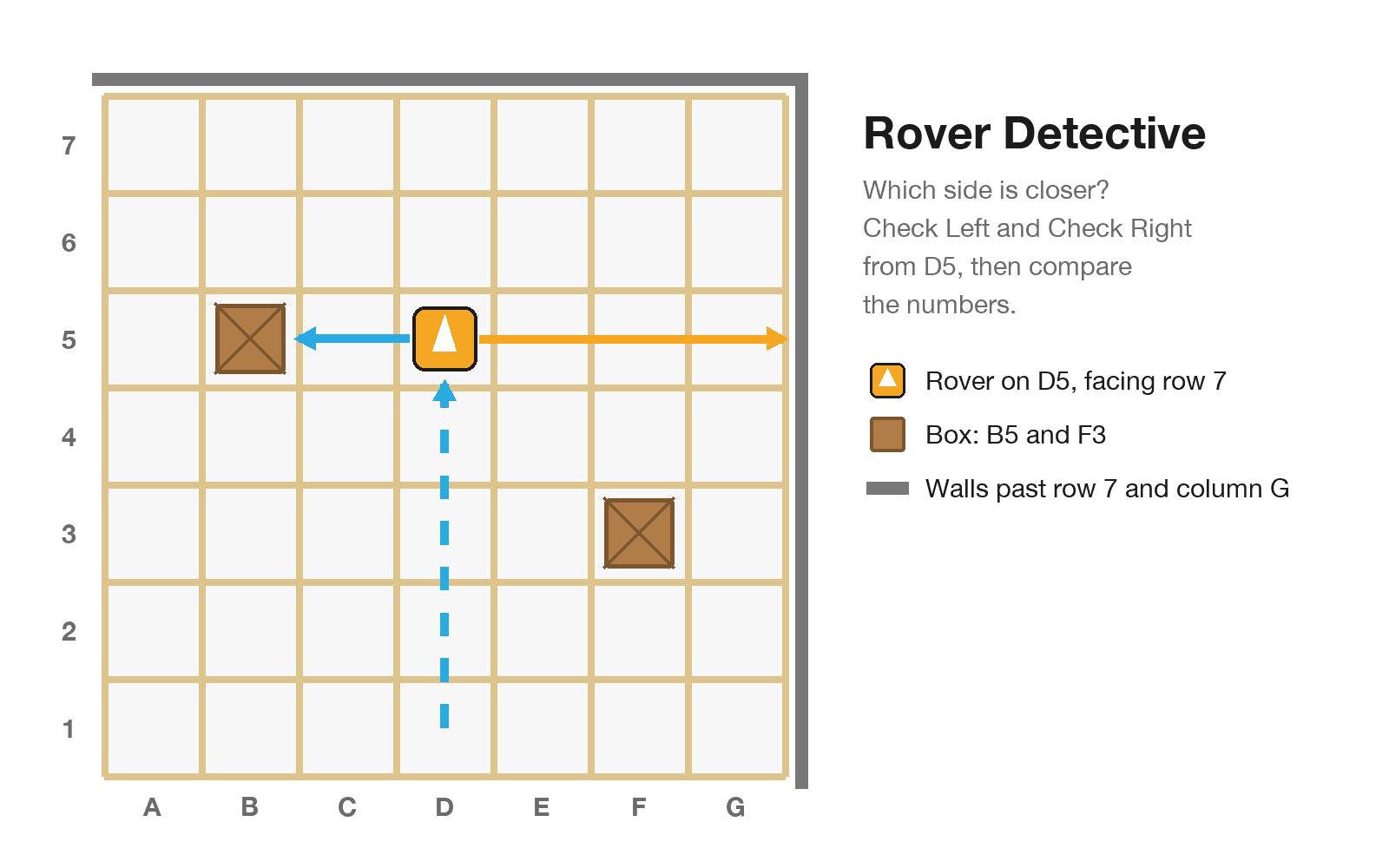
Rover Detective

Rover Detective

Explore All Activities