Can your Rover walk a square and end up exactly where it started? Students walk the square themselves, plan it with block cards, then program the Rover. Along the way they spot two blocks that keep repeating: the idea behind loops.
At a Glance
- Year levels: Years 1–2
- Time: Two 25-minute sessions (one unplugged, one with the Rover)
- Blocks: Forward, Turn Left, Turn Right
- You need: Masking tape, two boxes, block cards (Forward ×8, Turn Right ×4, Turn Left ×4), 1 Rover + 1 iPad per group of 3
I Can…
- walk a square on the grid when my partner reads the cards
- lay out cards to make the Rover walk a square
- find the two blocks that repeat
- predict where the Rover will finish
Curriculum (Digital Technologies F–2): following and describing algorithms, including steps that repeat; recognising patterns. Also Maths (2D shapes, quarter turns, position).
The Tape Grid

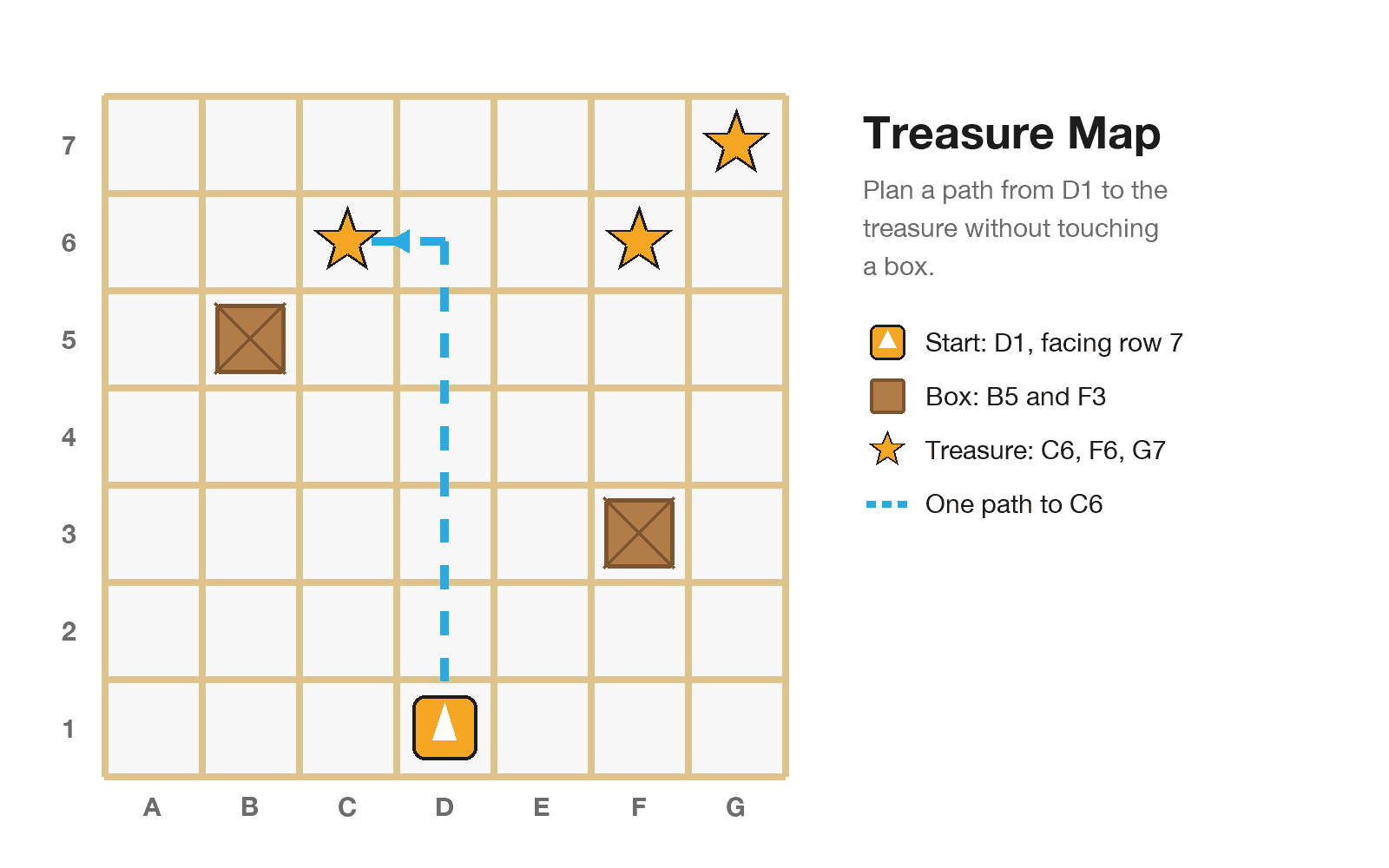
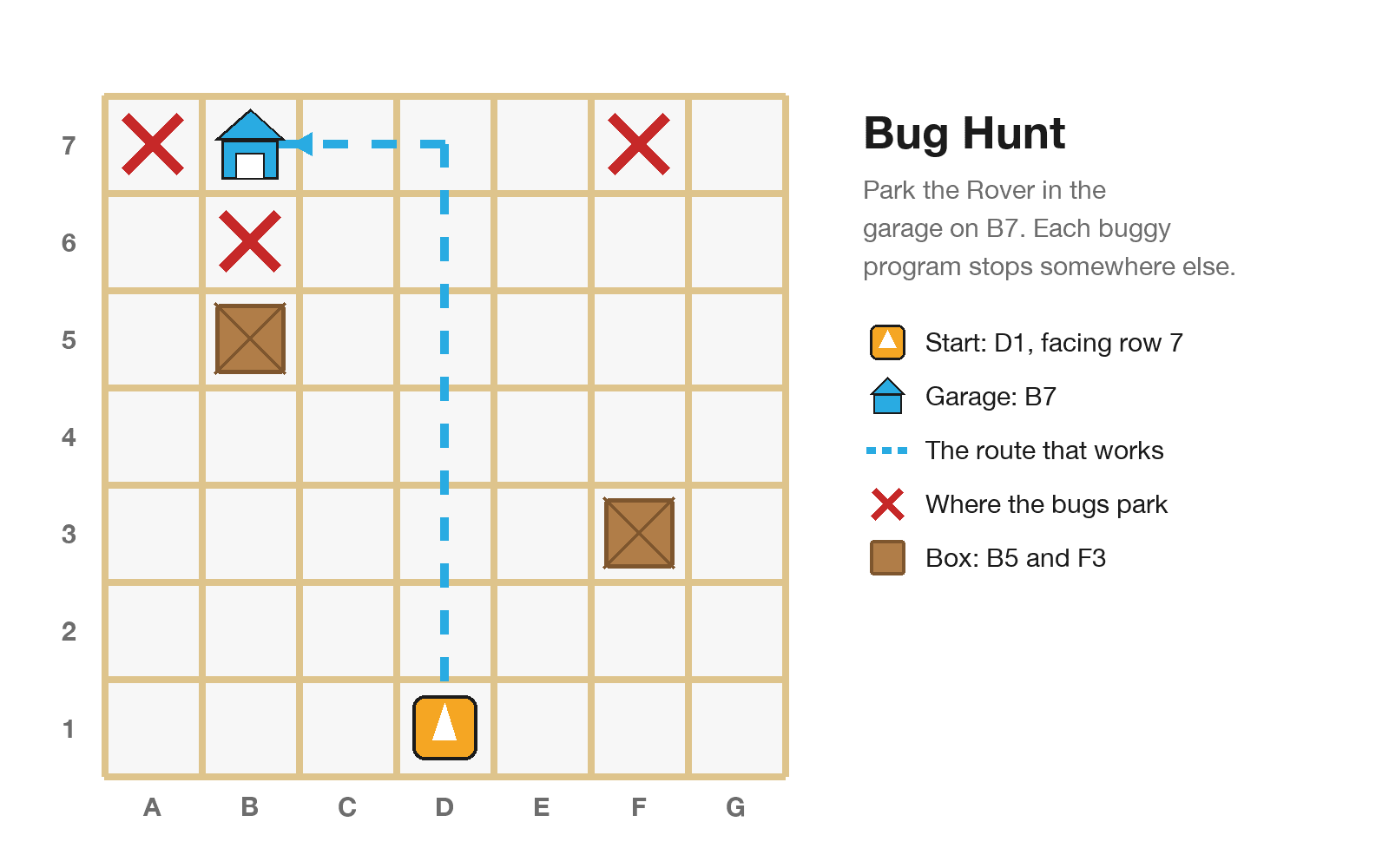
The Junior tape grid: 7 × 7 squares, start on D1, boxes on B5 and F3
- Run one Forward and mark how far the Rover goes. That is your square size.
- Tape a 7 × 7 grid on a hard floor: columns A–G across, rows 1–7 going away from you.
- Start on D1, facing row 7. Boxes on B5 and F3.
Use the same grid for all the Junior activities. Leave it down for the term.
Be the Rover First

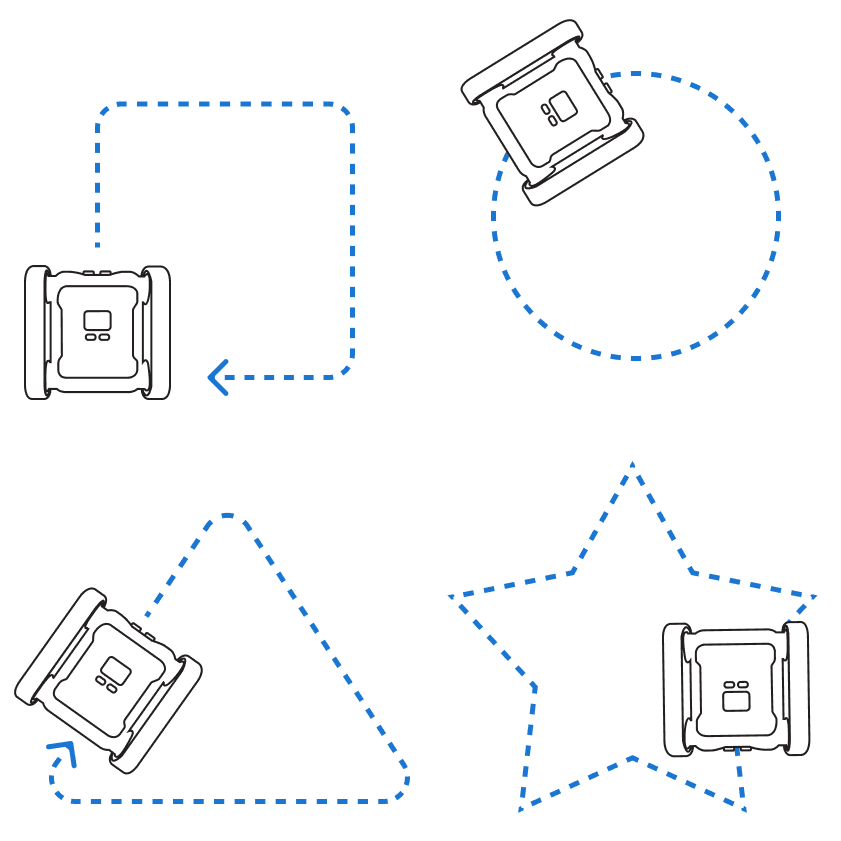
Be the Rover: Forward is one step forward, Reverse is one step back, Turn Left and Turn Right are a quarter turn on the spot
- Teacher models. Stand on D1 facing row 7. A student reads Forward, Turn Right. Think aloud: "I'm on D2. Now I'm facing column G."
- Pairs. The Programmer reads cards; the Rover walks them on the grid. Say each block out loud.
- Challenge: walk a square back to D1, facing row 7 again. Then swap.
Movement break: the whole class does "Forward, Turn Right" four times on the spot. Which way are you facing now?
Predict → Run → Check
- Predict: "The Rover will finish on… facing…"
- Run: Rover on D1 facing row 7. Press Play. Hands off!
- Check: did it finish where we said? If not, be the Rover again and find the card where you and the Rover went different ways.
Groups of 3: Programmer (iPad), Tester (places the Rover, presses Play), Reporter (says the prediction). Swap every run.
Steps
1. The Small Square

The small square: Forward, Turn Right four times takes the Rover from D1 to D2, E2, E1 and back to D1 facing row 7
Forward, Turn Right four times: D2, E2, E1, back to D1 facing row 7.
2. Spot the Pattern
- Group the cards into pairs on the desk. What repeats? (Forward, Turn Right, four times.)
- Chant it. When a pattern repeats, a programmer can say "do this four times". That's a loop.
3. The Big Square

The big square: Forward, Forward, Turn Left four times goes D3, B3, B1, back to D1. Turning right at D3 would hit the box on F3
- Two squares per side. Predict: if we turn right at D3, what happens? (The box on F3!)
- Turn left instead: Forward, Forward, Turn Left four times. What repeats now?
Make It Easier or Harder
- Easier: half a square (Forward, Turn Right, Forward). Where does it stop?
- Harder: use only Turn Left, or the fewest cards you can.
Extensions
- Rectangle: 3 squares tall, 1 wide. The pattern repeats twice, not four times.
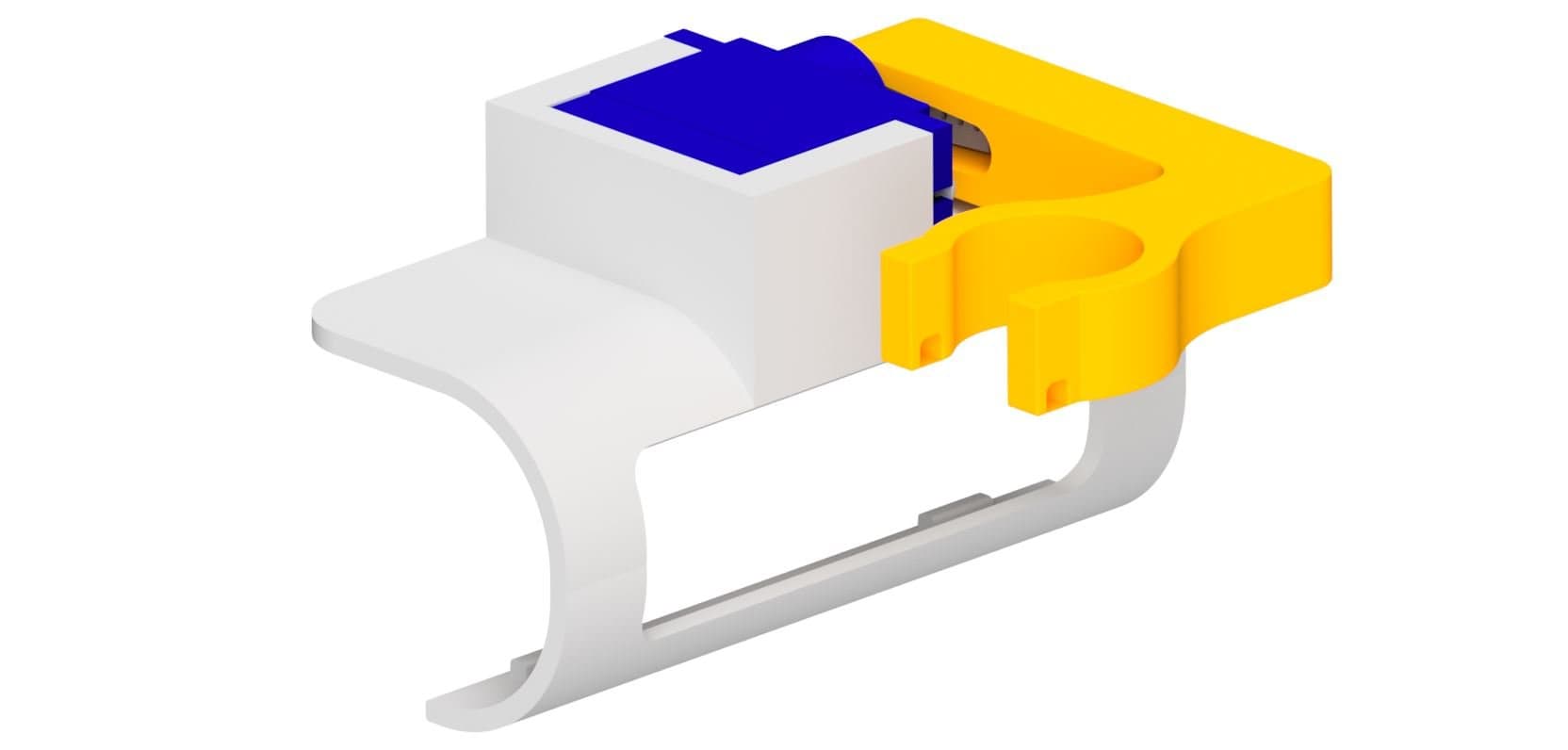
- Draw it: fit a Whiteboard Marker Holder (build guide below) and drive on butcher's paper.
Teacher Tips
- Always do the unplugged walk first.
- Forgot the last Turn Right? The Rover is home but facing column A. Ask: "Is it ready to go again?"
- Hard floors give the best squares. Straighten a drifting Rover between runs.
Reflection
- Thumbs up, sideways or down: "I can find the pattern that repeats."
- Finish the sentence: "The pattern in my square is…"
Try It in the Simulator
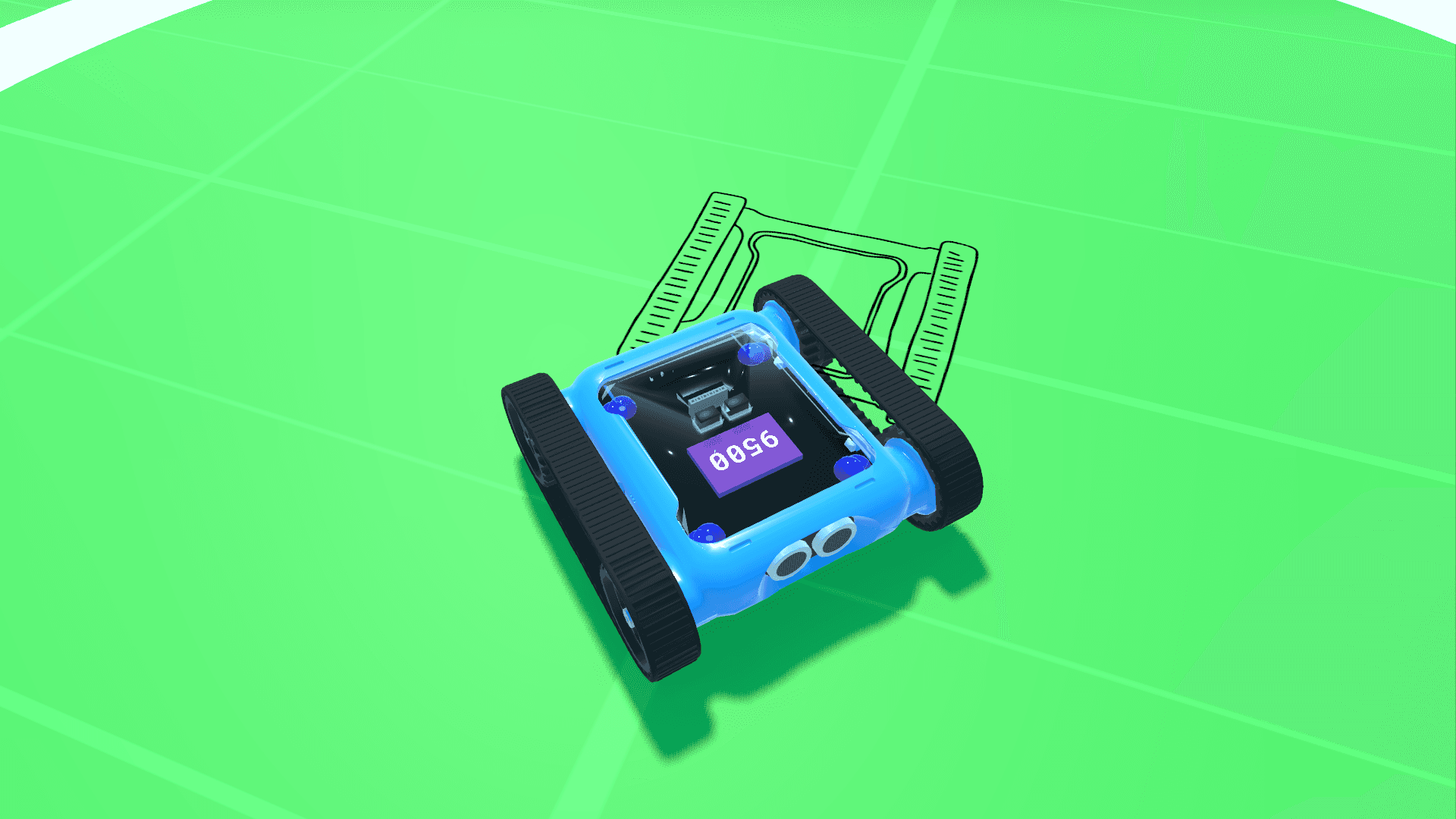
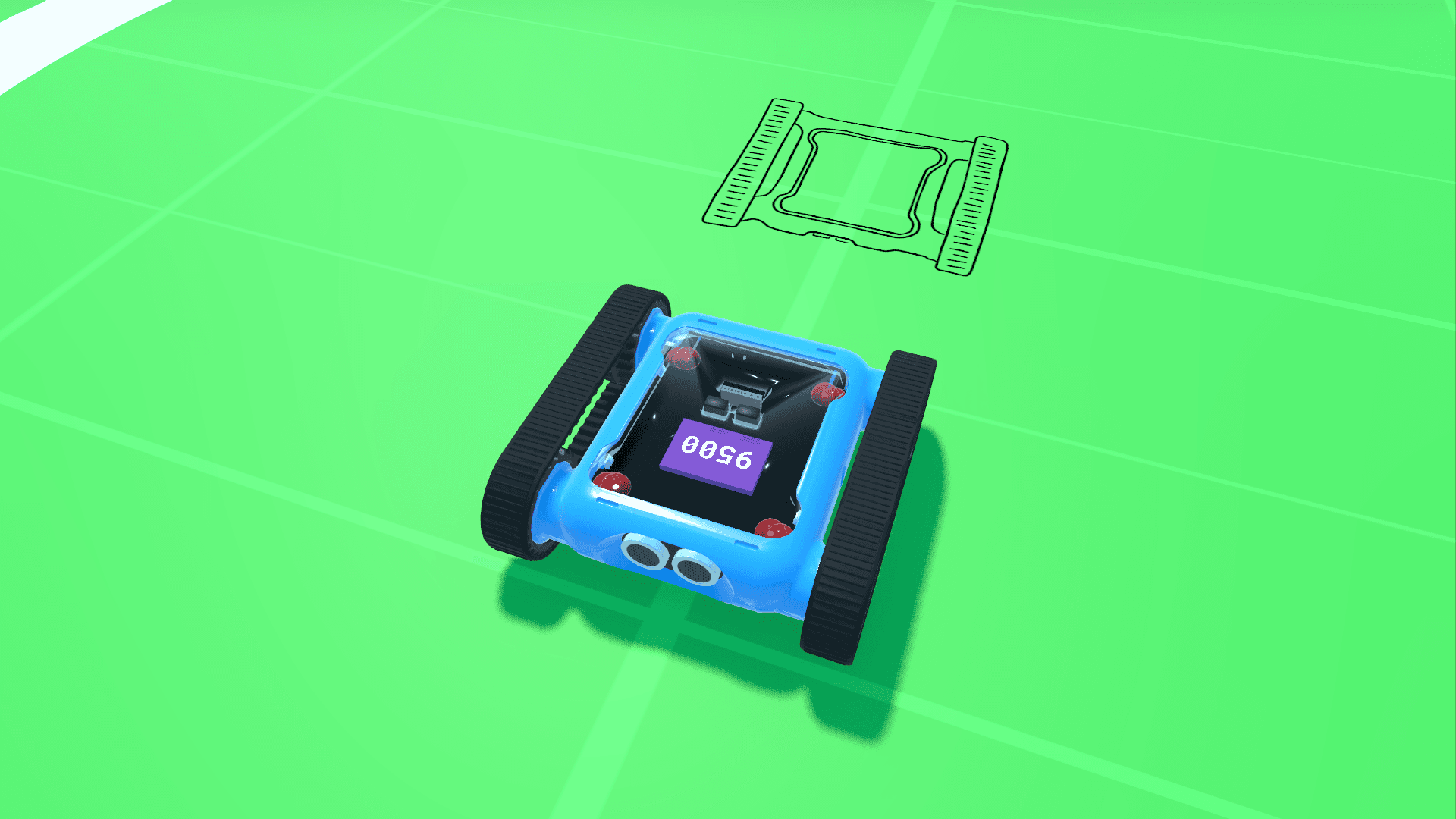
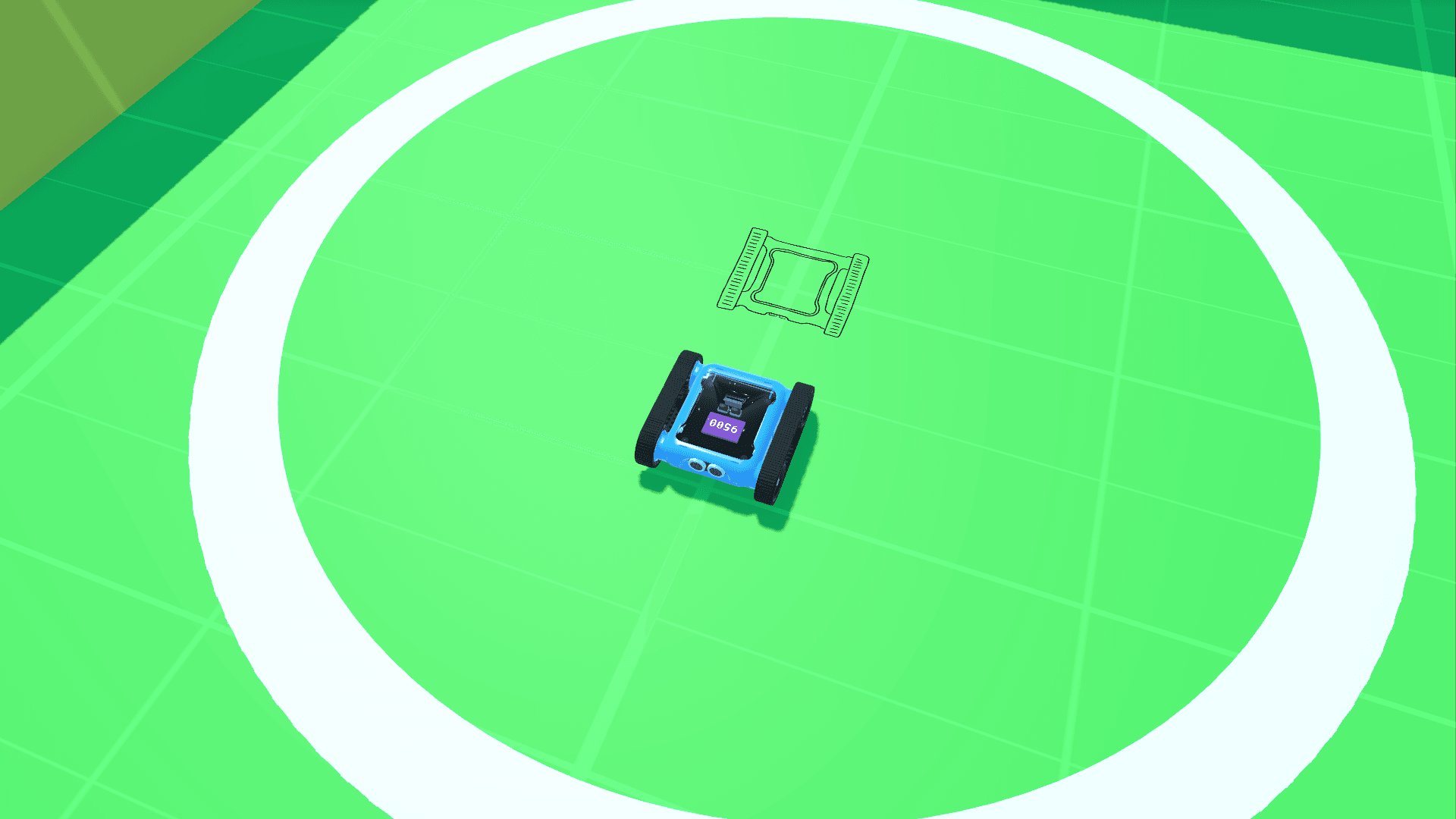
No Rover? Tap the Bot ID box, choose Use the simulator, build your square and press Play. There's no grid, so check the shape: does it come home facing the same way?

Halfway around the square in the simulator