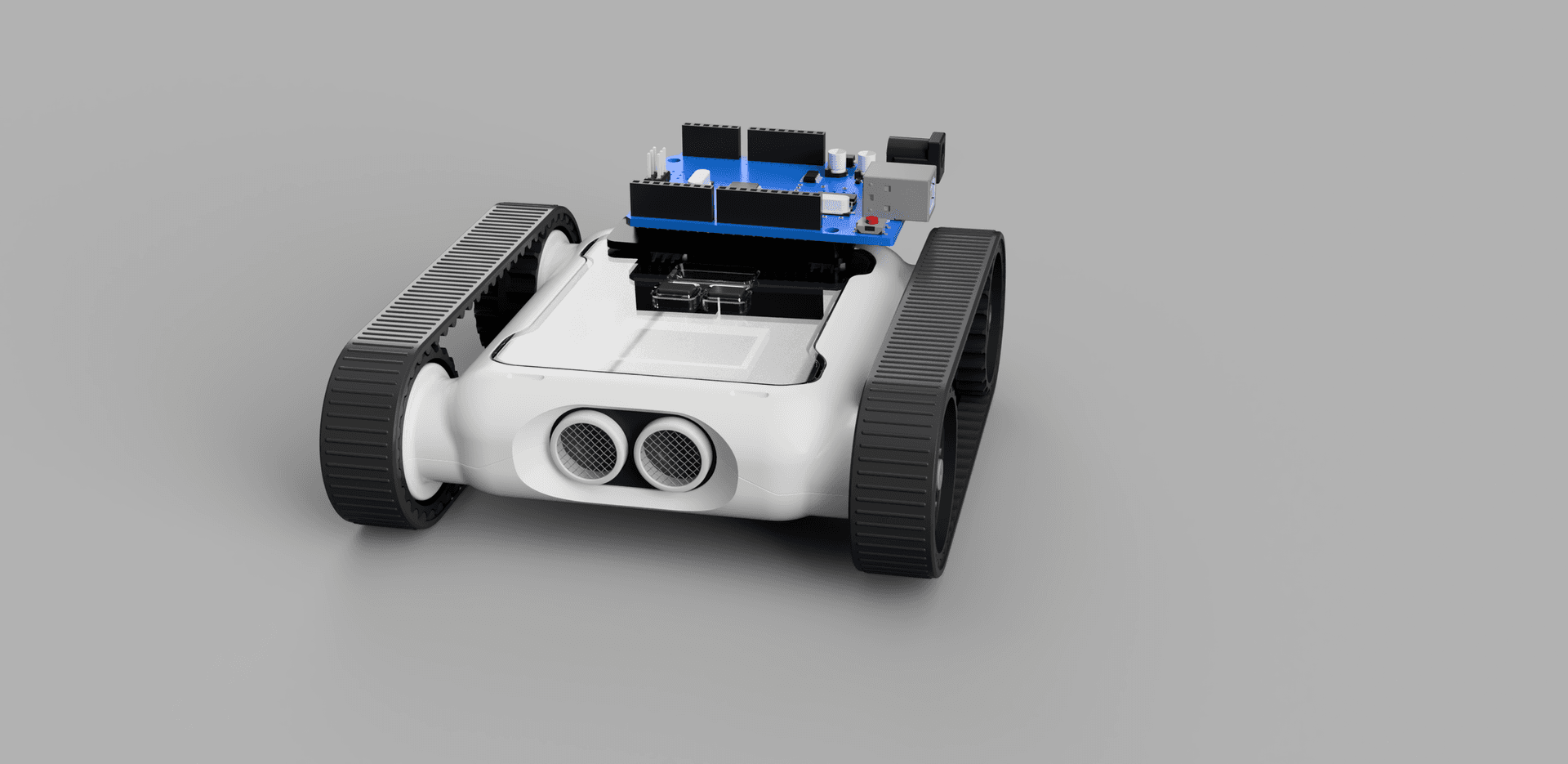
The Micromelon VS Code Extension is now available, free, on the VS Code Marketplace. It brings Rover control into Visual Studio Code, the world's most popular code editor.
If your students are ready to graduate from the Micromelon Code Editor, or you want to use the Rover as part of a bigger Python project, the extension lets you connect, code and run from one place.
What It Does
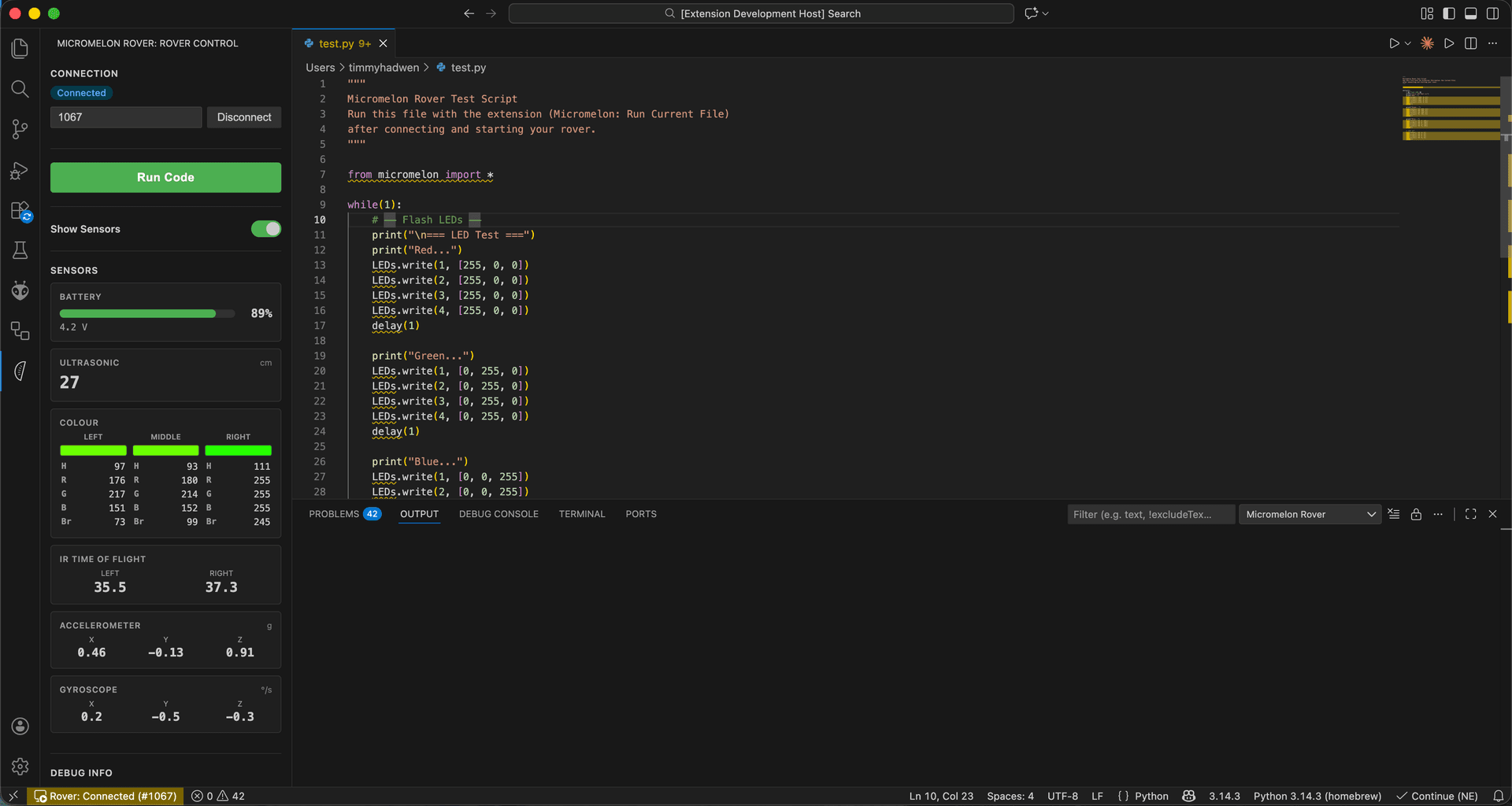
The extension adds a Micromelon panel to VS Code's sidebar. From there you can:
- Connect to your Rover over Bluetooth by typing in the number shown on its screen
- Run Python programs on the Rover with the Run Code button or F5, and stop them at any time with Stop or Shift+F5
- See which line is running, highlighted in the editor as your program goes
- View live sensor data from the ultrasonic, colour, IR, accelerometer and gyroscope sensors, plus battery level
- Open example programs from the sidebar to see how driving, sensors, LEDs and sounds work
- Use built-in code snippets: type
mm-for ready-made code for the motors, sensors, LEDs and sounds
Anything you print appears in the output panel, and input() asks in a box at the top of the window, so interactive programs work too.
Nothing Else to Install
There's no need to install Python or the Micromelon Python Module first. The extension comes with its own copy of Python and the micromelon module, set up and tested to work together. Install the extension, connect to your Rover and start coding.
That makes it a good fit for school computers, where installing Python and managing packages is often the hardest part of getting started.
Why VS Code?
VS Code is free, runs on Windows, macOS and Linux, and is used by professional developers around the world. Many schools already have it installed. Students who learn with it are learning the same tool they'll use in further study and in industry.
It's also the natural next step in the Micromelon learning pathway. Students who started with blocks in Micromelon Junior, then moved through the Code Editor's block and text modes, can make the jump to a professional editor without losing access to their Rover.
Works With Your Existing Python Programs
Programs written for the Micromelon Python Module run in the extension unchanged. The extension looks after the connection, so lines like rc.connectBLE() and rc.end() simply use the Rover you connected to in the sidebar.
An Early Release
This is the first release of the extension, so you'll see a Preview label on the Marketplace. We'll keep improving it based on feedback from teachers and students. If something doesn't work the way you expect, please let us know.
Get in TouchSend us a message and we will get back to you within 1 business day.
Get Started
- Install VS Code (free)
- Open the Extensions view, search for Micromelon and click Install
- Click the Micromelon icon in the sidebar, enter your Rover's number and click Connect
- Open a Python file and press Run Code
For a step-by-step walkthrough, read our getting started guide.