Introduction
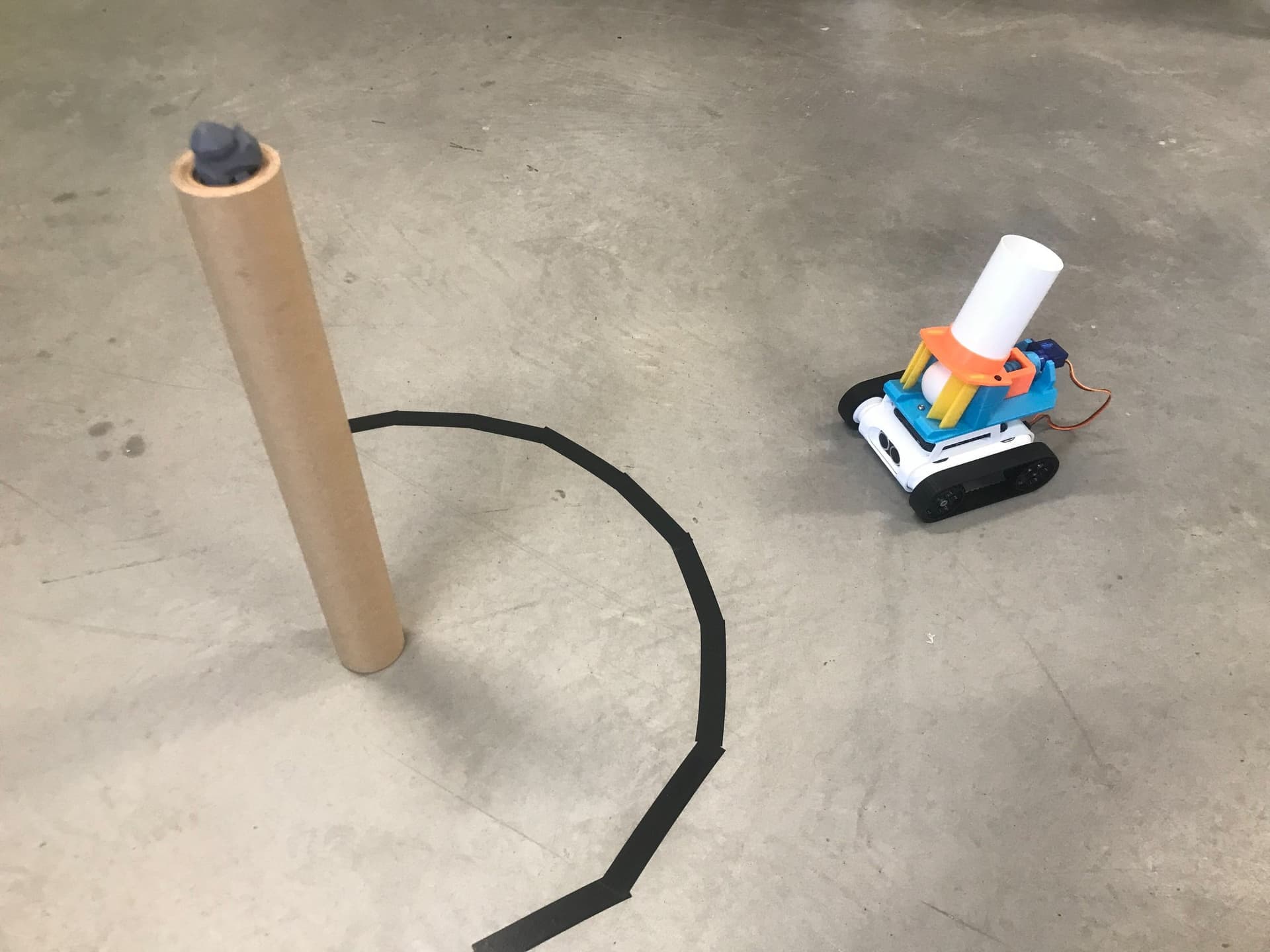
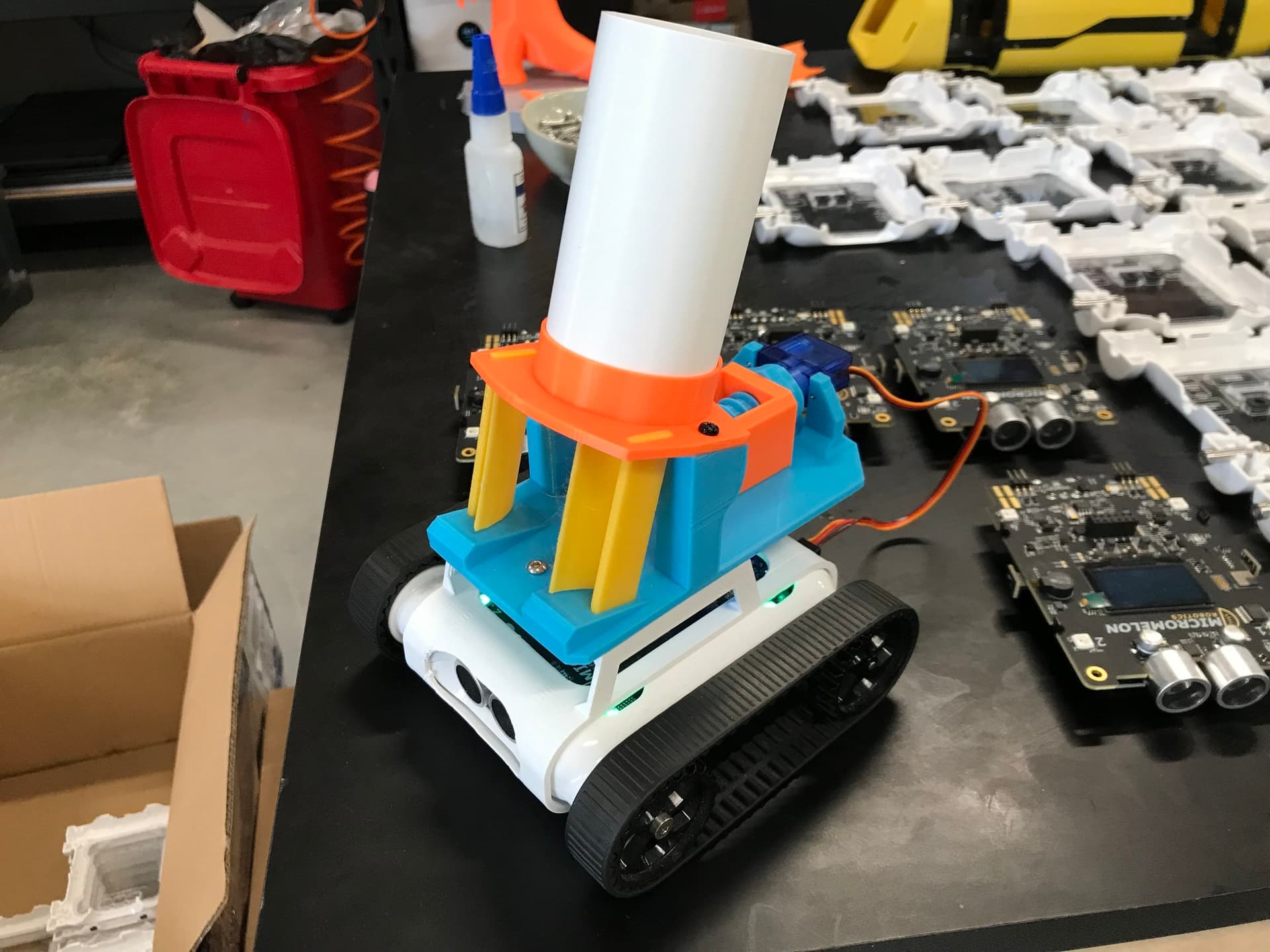
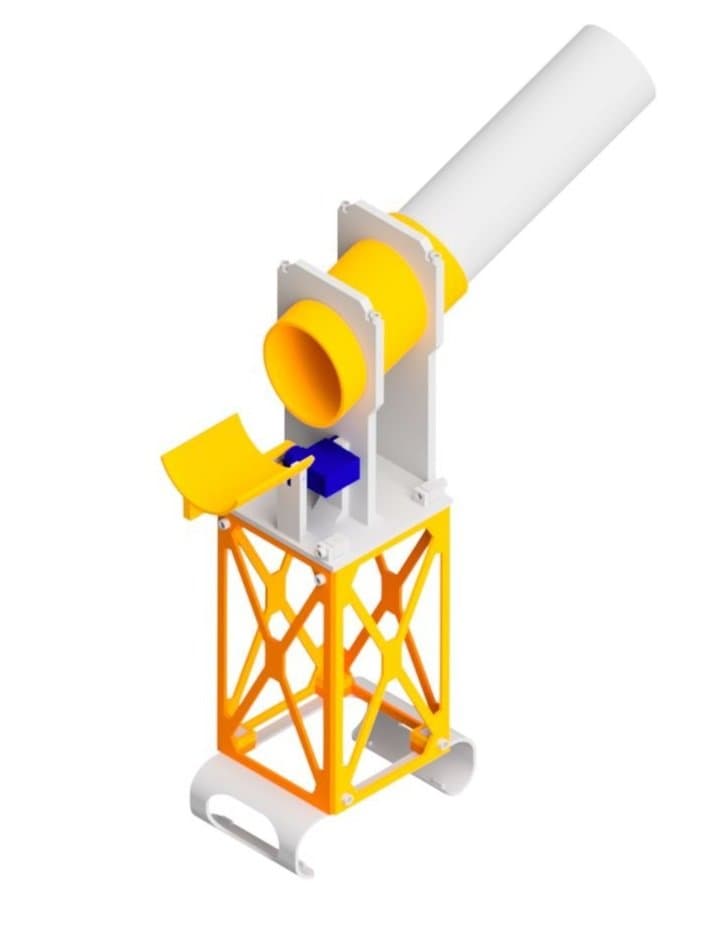
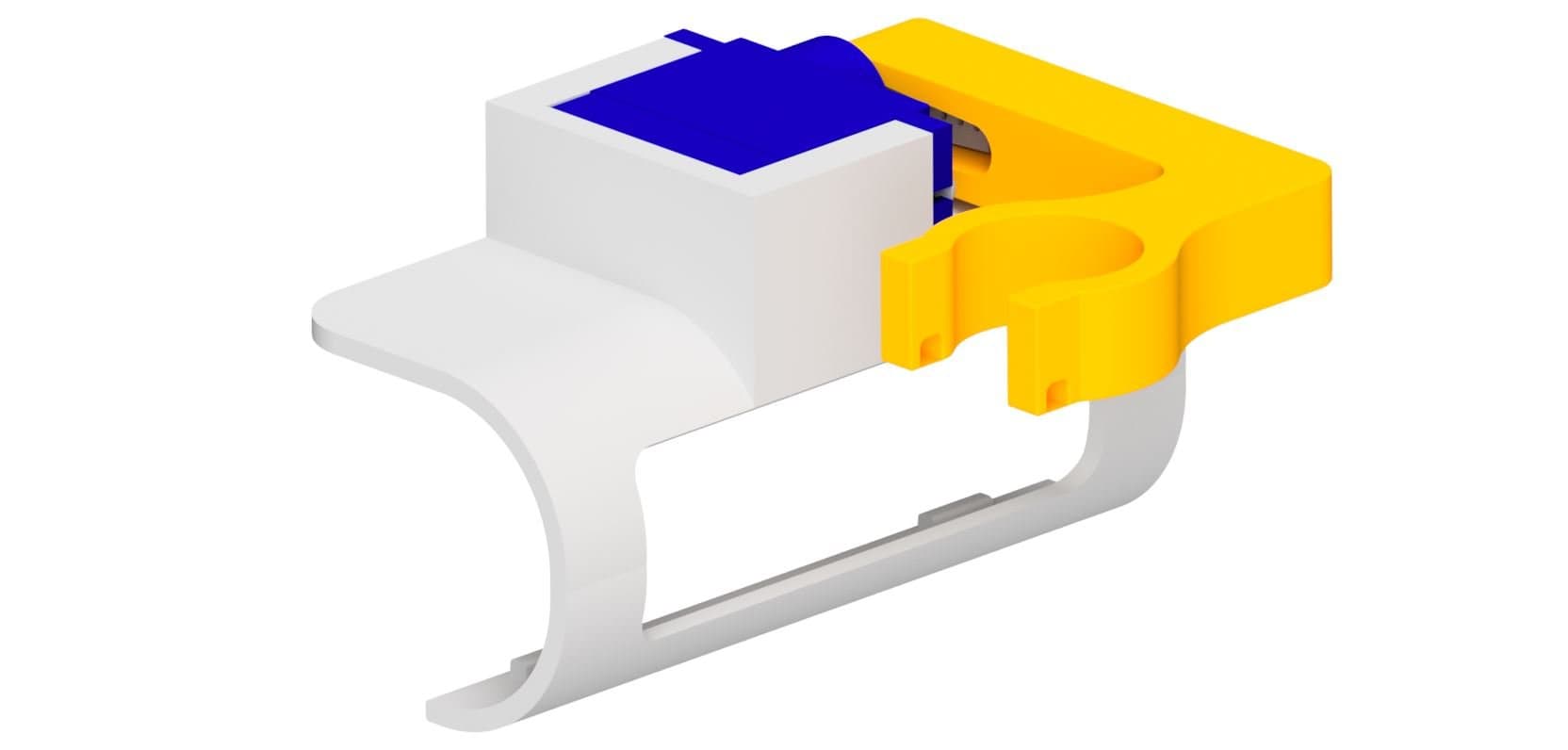
The ping pong shooter attachment lets your Rover launch ping pong balls. A ball drops down the barrel and sits between two flexible wings. A continuous servo turns a lead screw, which drives a pusher forward and squeezes the ball through the wings until they spring back and fire it out the front. It clips onto the front of the Rover via the bolt clip adapter.
Before you start:
- Use a continuous rotation servo. A standard 180° positional servo only turns the screw half a turn, so the pusher will barely move.
- Print the wings in PETG. They have to be flexible enough to bend, let the ball through and then spring back.
Drag to rotate, scroll to zoom
Interactive 3D BuildOverview
The Finished Ping Pong Shooter
The shooter clips over the top of the Rover, with the wings at the front. Drag to look around, scroll to zoom, then step through the build.

What You'll Need
Parts:
- 1x 9g Micro Servo (continuous rotation)
- 1x Single-arm servo horn (from the servo's accessory bag)
- 2x Servo mounting screws (from the servo's accessory bag)
- 9x M3 x 10mm countersunk screws
- 1x M5 x 10mm pan head screw
- A few ping pong balls
Tools:
- Phillips Head Screwdriver
- M3 Allen Key
 Thingiverse
 Printables
 Makerworld
13D Print Your Parts
- 1x Base
- 1x Launch Plate
- 1x Pusher
- 1x Roof
- 2x Wings (PETG)
- 1x Screw
- 1x Barrel

2Attach the Launch Plate
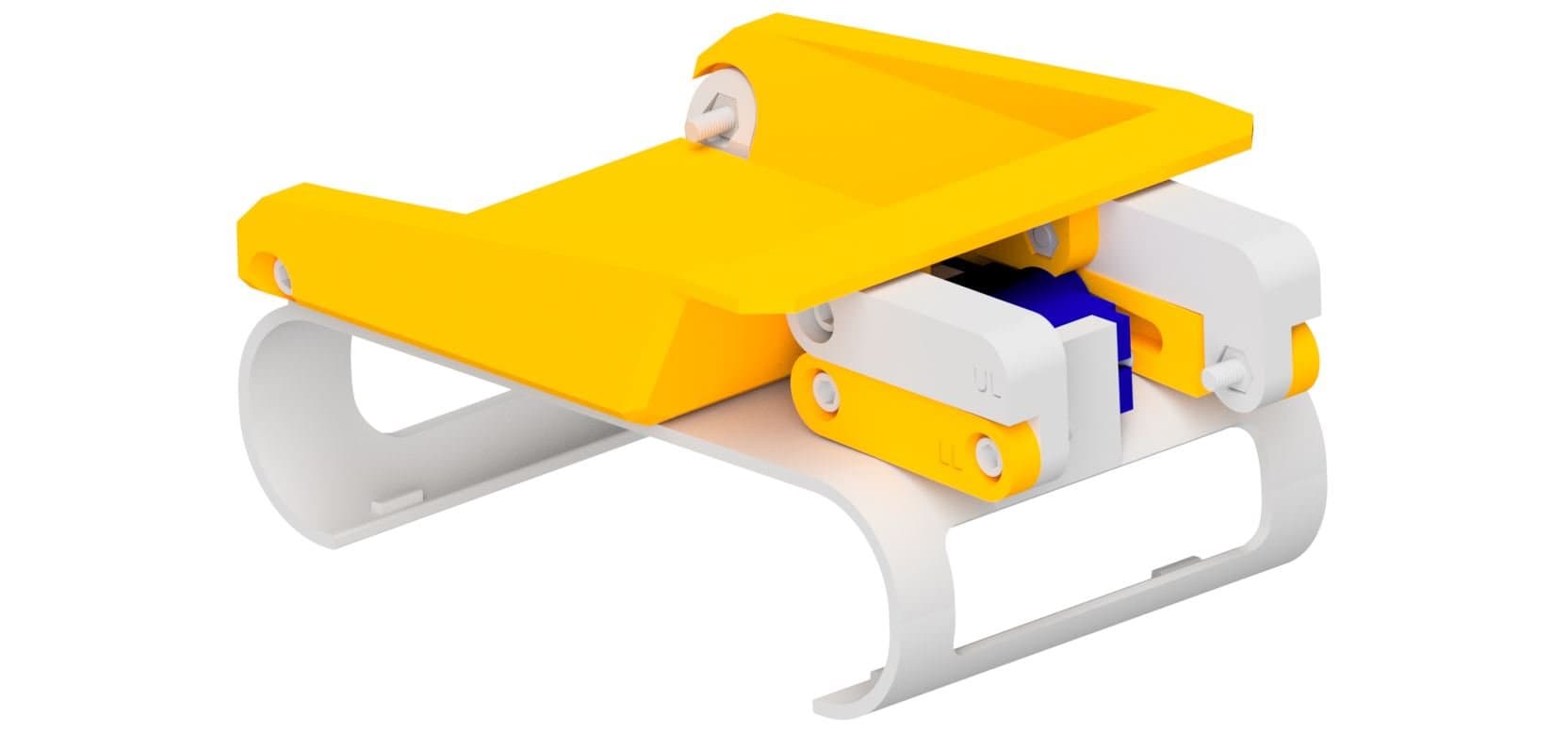
- Sit the launch plate on top of the base. The two wing pockets go at the front, over the end of the base that hooks around the front of the Rover. The two servo lugs go at the back.
- Line up the three holes in the launch plate floor with the holes in the base: one at the front in the middle, and one in each back corner.
- Screw it down with three M3 screws. The holes are countersunk, so the heads sit flush with the floor.

3Assemble the Pusher
- Find the threaded hole in the back wall of the pusher (the end without the rounded nose).
- Twist the screw into it from behind, narrow tip first, with the round head at the back.
- Stop partway, with the pusher about halfway along the thread. You'll set its real position later with the servo.

4Mount the Pusher
- Lower the screw and pusher into the launch plate, with the pusher's nose facing forward and the ring on the floor inside the pusher's open window.
- Push the screw forward so its narrow tip goes through the ring. The end of the thread stops against the back of the ring.
- Reach in through the pusher's window and screw the M5 into the end of the tip, in front of the ring. This stops the screw from sliding back out.
- Check the fit: turn the screw head by hand. It should spin freely without sliding back and forth, and the pusher should move along the thread without turning. If the screw is stiff, back the M5 off a little.

5Install the Servo
- Push the servo horn onto the servo's output shaft.
- The head of the screw has a horn-shaped slot that reaches about 8.5mm out from the centre. Check your horn's arm fits in it, and trim the arm shorter if it doesn't.
- Lower the servo in behind the screw head, between the two lugs at the back of the launch plate, with the shaft pointing forward. Line the shaft up with the centre of the screw. The rest of the servo body sits off to the right (looking from the back).
- Turn the screw until its slot lines up with the horn, then push the servo forward so the horn drops all the way into the slot and the servo's tabs sit against the back of the lugs.
- Fix it with the two servo mounting screws, in from behind through the tabs.

6Attach the Wings
- The two wings are the same part. Each one has a flat edge with two holes and a curved face.
- Push each wing down into its pocket at the front of the launch plate, with the curved face pointing in toward the middle. Turn one wing upside down so both curved faces point inwards.
- Line up the bottom hole in each wing with the hole in the side of the launch plate, then fix each wing with an M3 screw from the outside.

7Attach the Roof
- Lower the roof onto the launch plate, with the threaded ring on top. The top of each wing goes into a slot in the roof, and the back of the roof sits on the two posts.
- Screw two M3 screws down through the back of the roof into the posts.
- Screw an M3 screw in through each side of the roof, into the top hole of each wing.

Attach the barrel
8Attach the Barrel
- Screw the threaded end of the barrel into the ring on the roof until it's snug.
- Balls go in through the top of the barrel. They drop down and sit between the wings, in front of the pusher.
Fit and Test It
- Clip the base onto the Rover. Its curved ends hook around the front and back ends of the Rover's body, with the wings at the front.
- Plug the servo into the left servo port on the back of the Rover. Match the brown wire to the - on the port icon.
- Make sure the pusher is all the way back, then drop a ping pong ball into the barrel.
- In the Code Editor, set the left servo to -90 for about 4 seconds to push the ball through the wings and fire it, then 0 to stop.
- Set the left servo to 90 for about 3 seconds to pull the pusher back, then 0. The next ball can now drop in.
Because it's a continuous servo, the value sets speed and direction rather than position. -90 and 90 are full speed in each direction and 0 stops it. The pusher's travel is set by how long the servo runs, so you may need to adjust those times for your Rover. The ping-pong shooter activity below uses this as a shoot function.
Troubleshooting
- The pusher only moves a little, then stops: you're using a 180° positional servo. Swap it for a continuous rotation servo.
- The servo runs but the pusher doesn't move: the horn isn't seated in the slot in the screw head. Take the servo off and check the horn sits all the way in.
- The screw is stiff or the servo stalls: the M5 is too tight against the ring. Back it off a little.
- The ball doesn't fire: check the wings are PETG and pushed all the way into their pockets, and run the servo for longer so the pusher gets the ball past the front of the wings.
- -90 pulls the pusher back instead of forward: some continuous servos spin the other way. Swap -90 and 90 in your code.